780 Handheld Test Instrument Page 46
6 Using the 780 Test Instrument to Test HDMI Source Devices
This section provides procedures for testing HDMI source devices such as DVD players, set top boxes and outputs on
repeater devices. The features and functions described in this section are included only if you have purchased
the Network Analyzer option.
6.1 Testing Video from an HDMI Source Device
This subsection describes how to test the video on HDMI source devices.
Note: You will not obtain correct results when you test a DVI device with computer formats.
6.1.1 Connection Configurations for Testing HDMI Source Devices
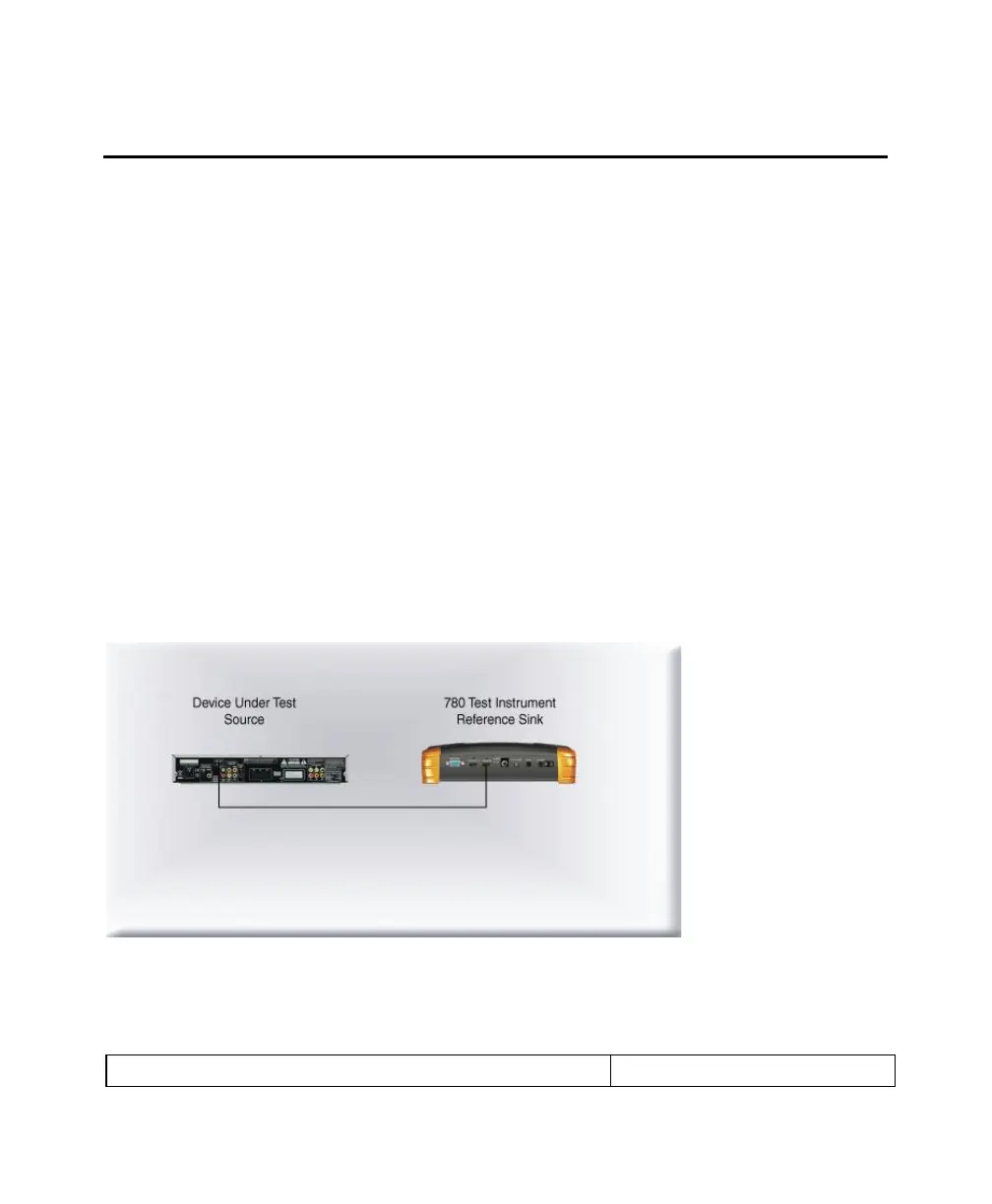
The 780’s HDMI input port acts as a ―reference‖ HDMI sink device. Therefore it enables you to emulate a known good
HDMI sink device to conduct a basic confidence test of an HDMI source device. This test ensures that you are receiving
a valid HDMI video signal by displaying the timing of the incoming signal and informing you whether it is HDCP encrypted
or not. You can run this test in three configurations:
Source device connected directly to the 780 HDMI IN connector.
Source device connected to the 780 HDMI IN connector through a repeater device.
780 HDMI OUT and HDMI IN ports acting as both as a known good source and a known good sink connect to both
the input and output of the repeater device.
In all cases the 780 is emulating a sink to test an upstream source. In the third configuration, the 780 is emulating both an
HDMI source and sink. These test configurations are shown below.


 To Next Page
 Loading...

