780 Handheld Test Instrument Page 47
6.1.2 Procedures for Testing Video on an HDMI Source Device
Use the following procedures to test the video from an HDMI source device. You can view the incoming video and check
the video and timing parameters of the incoming video.
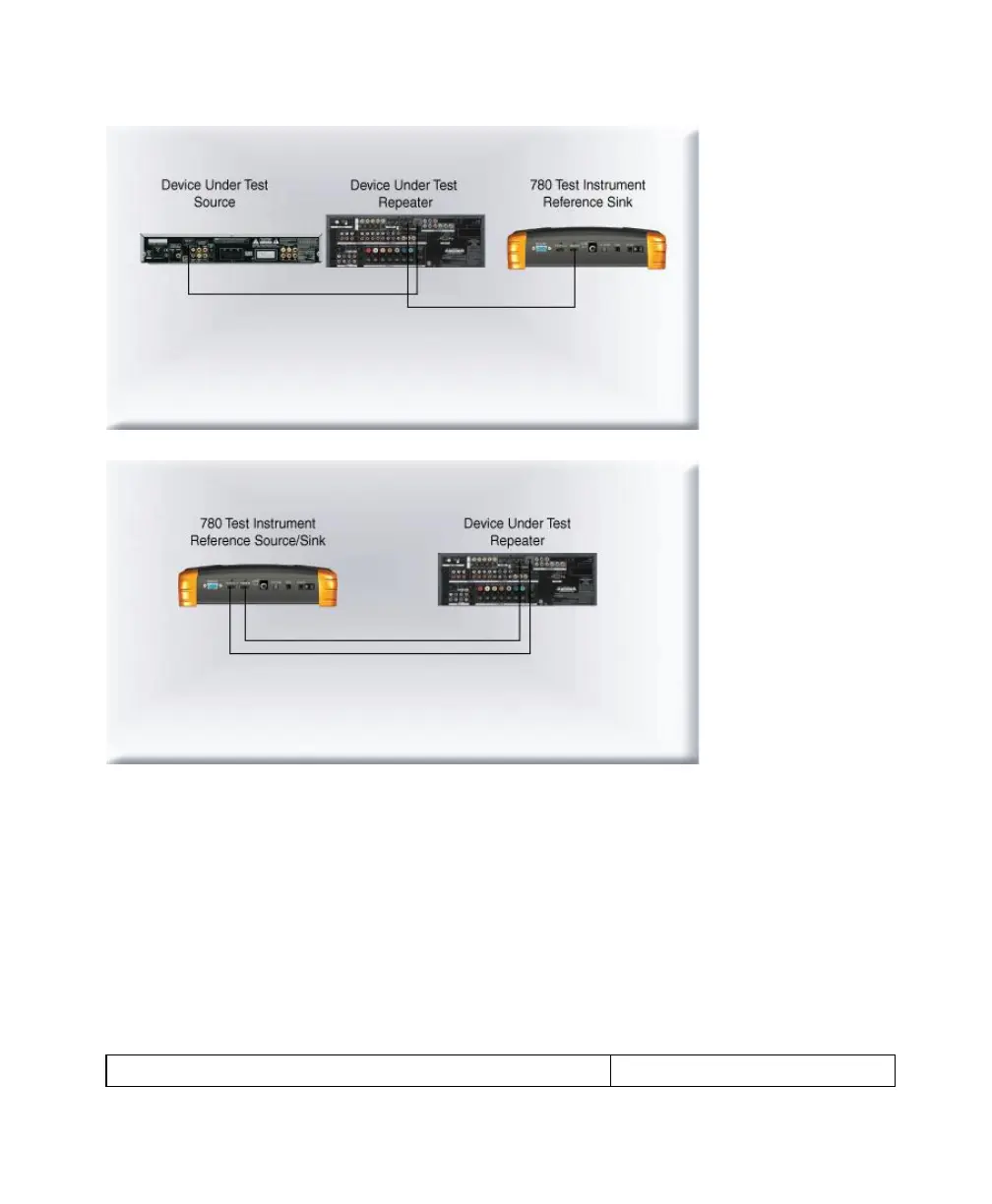
1. Make the physical connection between the 780 HDMI IN port and the source device under test using the
configuration instructions above.
2. Touch select Test Source (DVD/STB) from the top level menu shown below.



 To Next Page