780 Handheld Test Instrument Page 53
6.2.2 Procedures for Viewing the Data Island Packets from a Source Device
Use the following procedures to view the data islands packets from an HDMI source device.
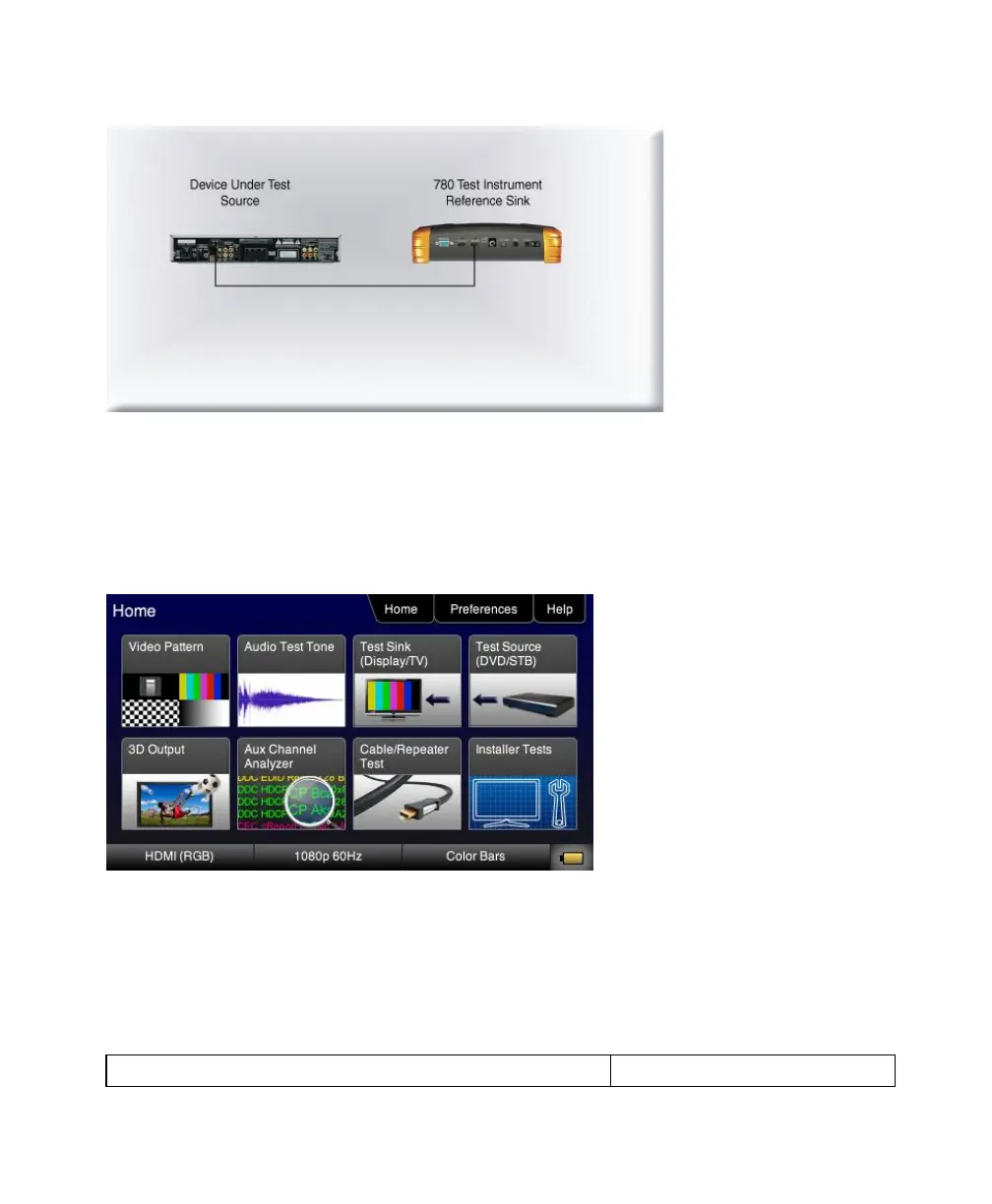
1. Connect the HDMI system devices to the 780 as shown in the diagram above. The HDMI source device output is
connected the 780 HDMI IN connector.
2. Touch select Test Source (DVD/STB) from the top level menu shown below.
The following screen appears:



 To Next Page