780 Handheld Test Instrument Page 54
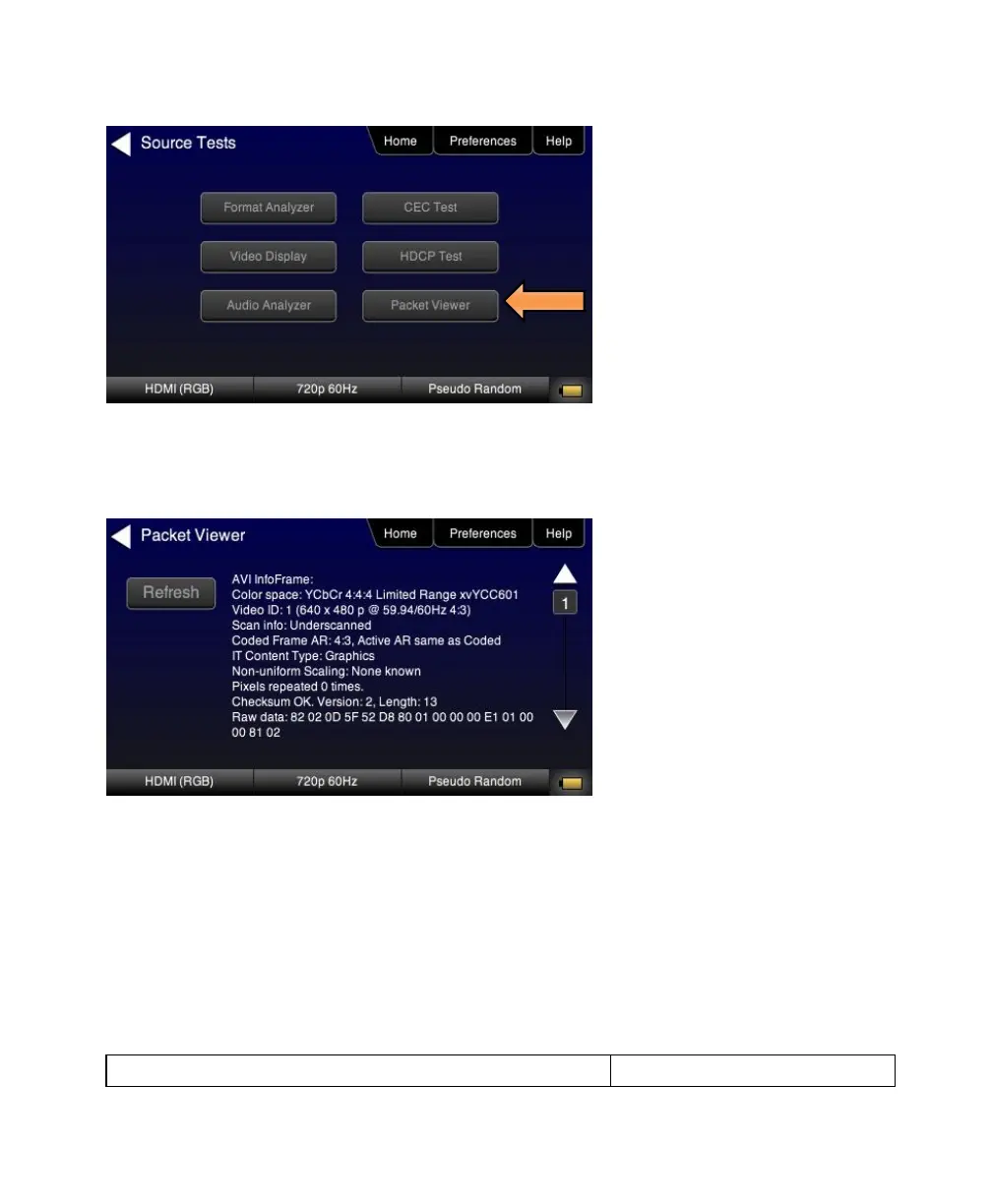
3. Touch select Packet Viewer from the Source Tests menu shown above.
4. Touch select the Refresh activation button on the Packet Viewer menu (shown below) to view the data island
packet information (AVI Infoframe shown).
5. Touch select the Save activation button on the Packet Viewer menu to save the data to a file.
A keyboard appears enabling you to select a name.



 To Next Page