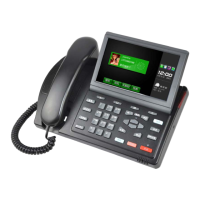
IMPphoneusermanual
16
wanttodeletecharacters,youmayslideandselect
characters.Thentap
.
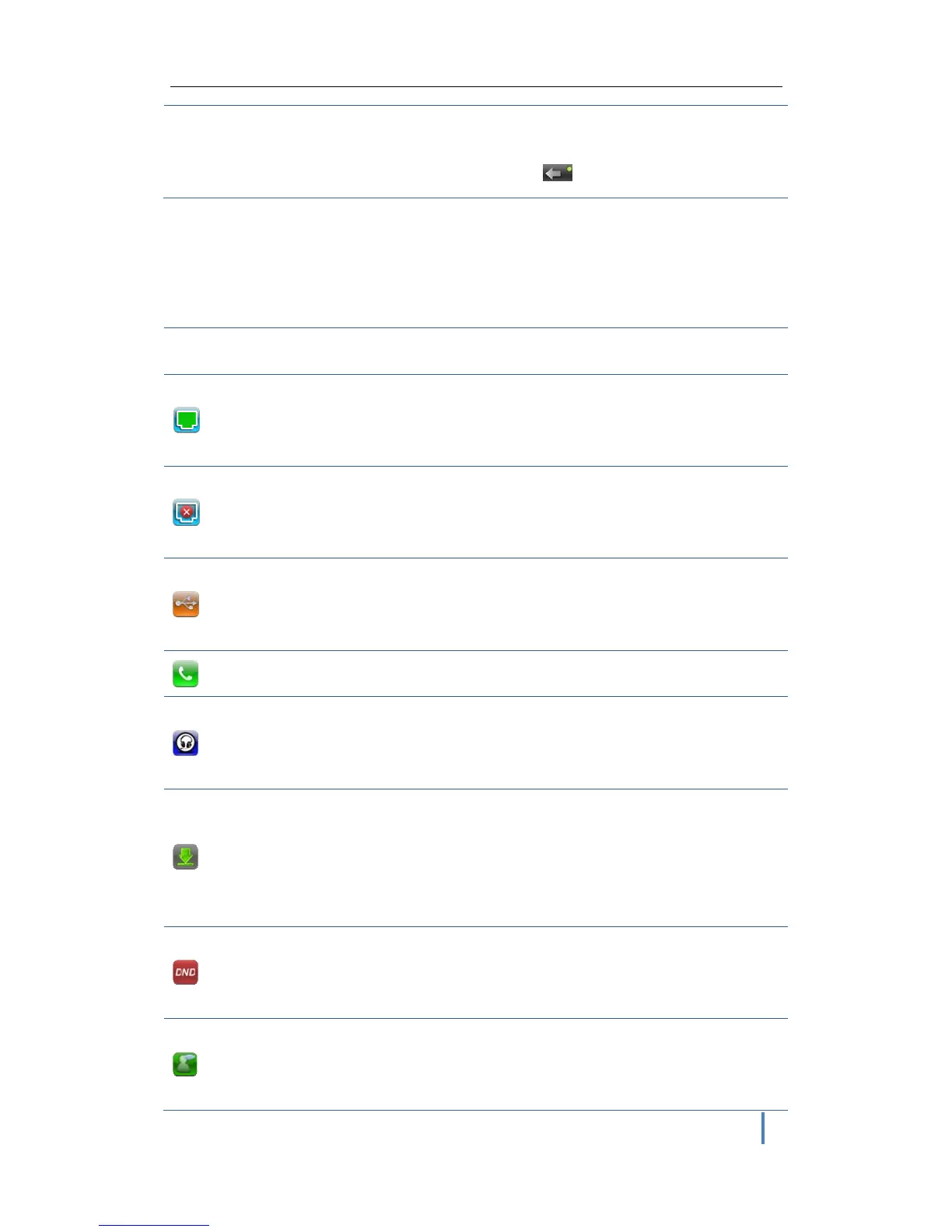
StatusBar
Statusbarhassomephone'sinformationontherightsideofscreen.
Statusbar meaning
Network
status(normal)
Itmeansphysicalnetworkisnormal.Tapittoenter
Netsetting.
Network
status(error)
Itmeansphysicalnetworkhasproblemandneedto
bechecked.
USB
ThereisUSBdiskinsertedtothephone.Tapitto
entertheUSBapplicationselection.
Missedcall
Therearemissedcalls.Tapittoreadtherecords.
earphone
Thereisearphoneconnected.Tapittoenterdialing
interface.
Autoupgrade
Thereisnewfileneedtobeupgraded.Tapit,youcan
select“upgrade””later”or“cancel”todecide
upgradeornot.
DNDopening
ItmeansyouhaveopenedDND.Phonewillnotring
whenacall,thecallwillberecordedasmissedcall.
Voicerecord
Itmeansyouhavenewvoicemessages.Tapitto
enter the record interface. Select and play the


 To Next Page