7
CURRENT TEMPERATURE
25.0
65.0
C/ F
SET
SETUP (Set temp)
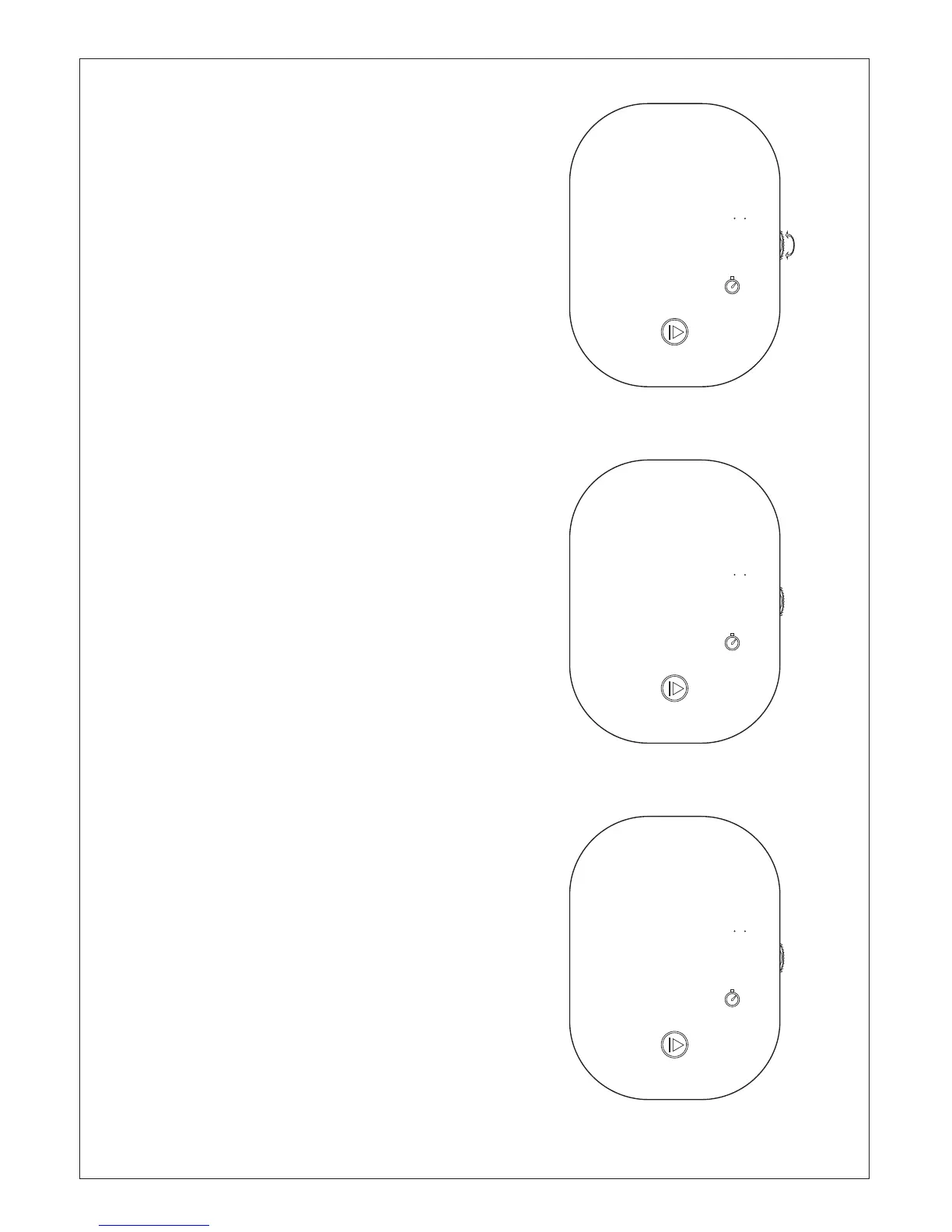
Changing Temperature:
1. In the condition of standby or boot,
turn the scroll wheel up to increasing
temperature or down to reduce
temperature.
2. When the scroll wheel slowly
according to the minimum 0.1 degrees
to adjust temperature, when the scroll
wheel quickly adjust the temperature
according to minimum 3 degrees.
3. Can touch the“Function key”to adjust
temperature after the adjustment time.
SETUP (Timer)
Changing Timer:
1. Touch the "Function key";
2. Then turn the scroll wheel up to
increasing time or down to reduce
time to set time.
3. When the scroll wheel slowly at
least 1 minutes to adjust time, when
the scroll wheel quickly adjust
according to the minimum of 30
minutes time.
CURRENT TEMPERATURE
25.0
0 50:
C/ F
SET
:
SETUP (Start/Stop)
Start/stop:
1. Press "Start" to start. ( first need
to set a working time)
2. Press and hold "stop key" for more
than 2 seconds to stop.
2 50:
:
CURRENT TEMPERATURE
25.0
C/ F
SET


 To Next Page