36 37
GB
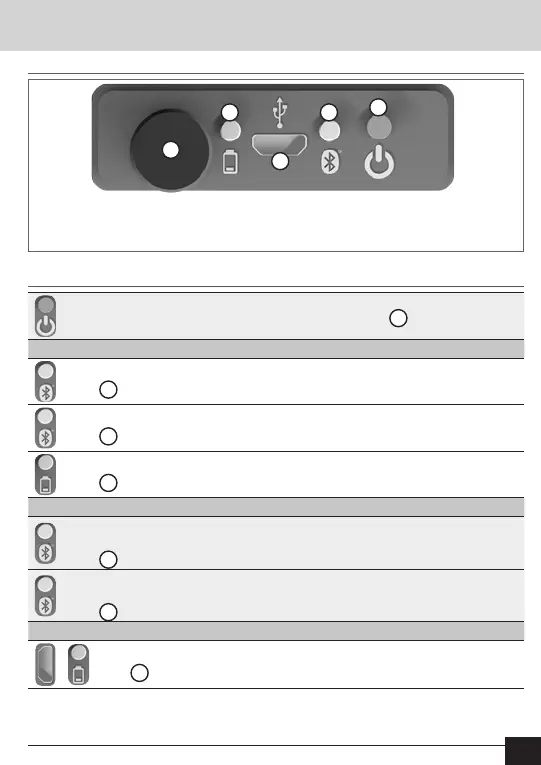
Operating elements
Operating elements
5
3
2
1
4
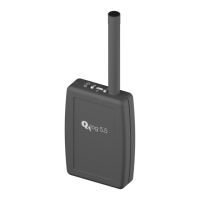
1. Antenna
2. LED - Battery charge level
3. Micro USB bush
4. LED - Commissioning and
Bluetooth activity
5. On and off switch
Switch on device (press on/off button for 3 seconds
5
)
Normal mode:
Device is switched on and ready for use
LED
4
ashes green once a second
Communication and consumption reports are actively transferred.
LED
4
ashes blue once a second
Battery is fully charged
LED
2
is permanently green
Signal mode:
Connected with ACT46.PC and simultaneously
low battery level (less than 20%)
LED
4
ashes red and blue alternately
Not connected with ACT46.PC and simultaneously
low battery level (less than 20%)
LED
4
ashes red and green alternately
Charge mode:
Battery is being charged via the Micro-USB bush
LED
2
is permanently orange
LED ashing behaviour


 To Next Page
 Loading...