10
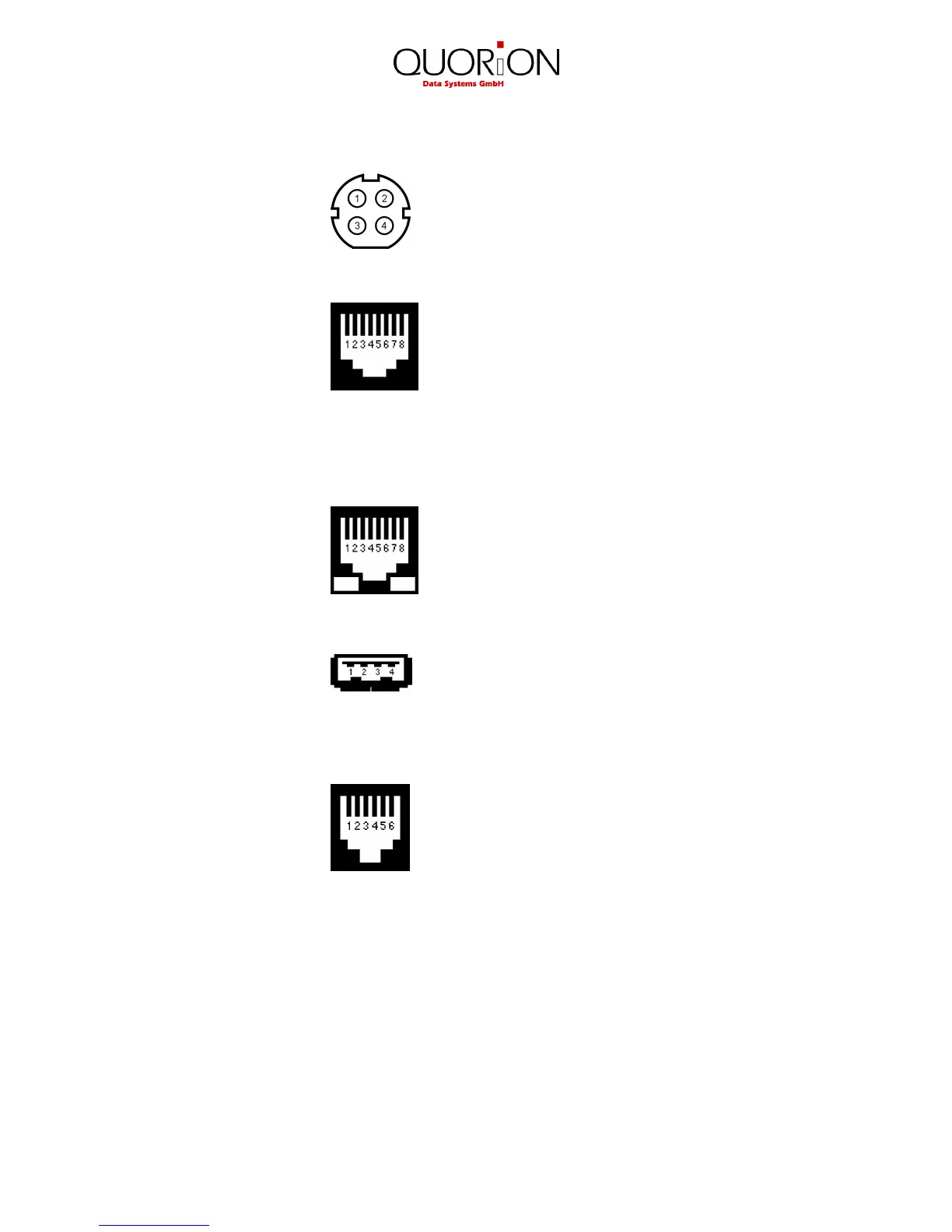
2.4.1 Pin Assignment
Power Supply 1: GND
2: GND
3: NC
4: +12V DC
RS232 Ports 1 to 6 1: +5V DC (max. 0,5A)
2: RxD
3: TxD
4: DTR
5: GND
6: DSR
7: RTS
8: CTS
Ethernet Network 1: TX+
2: TX-
3: RX+
6: RX-
USB Host 1 and 2 1: VCC
2: USB N0
3: USB P0
4: GND
Cash Drawer 1 and 2 1: GND
2: Drawer -
3: Sensor
4: Drawer +
5: n/a
6: GND
2.4.2 Adapter Cable for RS232
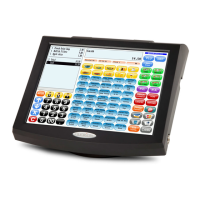
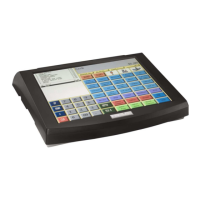
To connect standard peripheral devices you will need an adapter cable from the RJ-interface of the
POS Concerto / QTouch
2
to the D-SUB connector of the external device. Connect the original
cable of the device to the D-SUB connector of the adapter and put the other end of the adapter in
the interface socket of the Concerto / QTouch
2
.
You can order the special adapter cable from your local QUORION dealer. If you want to make the
connection yourself, please note the following specifications:



 To Next Page