4.6 Transaction Cancel
The “Transaction cancel” is used to void a complete receipt before it is finalized with a payment.
Simply press the key “Transaction cancel” to automatically void all items from the current receipt.
4.7 Tender Correction
With the function “Tender Correction” you may change any amount from one payment media to
another.
First press the key “Tender Correction”, enter the desired
amount and then select the payment media from which this
amount should be rebooked. Now, the amount is opened
again and can be assigned to any other payment. It is
alsosible to split the amount to more than one payment
media.
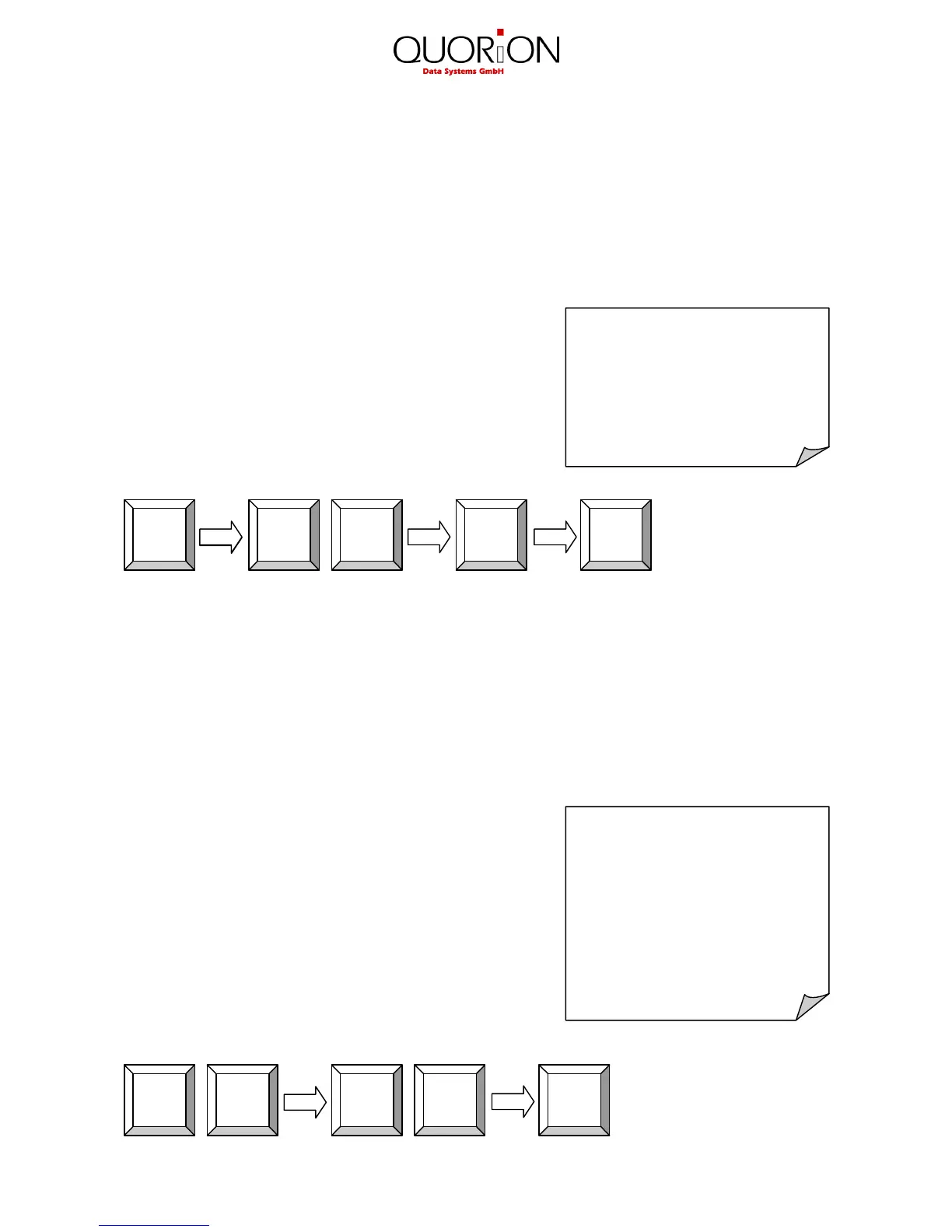
Example: Rebook 5.00 EUR from CASH to CARD:
5. Discounts, RA and PO
5.1 Percentage Discount/Surcharge
Discounts are price deductions on single items or on the sub total of the receipt. To enter a
discount, first ring up the item, then enter the discount percentage and press the “%(-)” key. If the
discount should be valid for the entire receipt, press the “Subtotal” key first and then enter the
percentage on “%(-)” key.
Likewise discounting items is alsosible to order
surcharges. In that case please use the function “%(+)”.
In both cases the percentage values can be pre-
programmed to avoid mistakes and manipulation.
Furthermore, it issible to block single or subtotal discounts
and to set maximum limits.
Example: Percentage discount of 10% to PLU 2:
% (–)


 To Next Page