
 Need help?
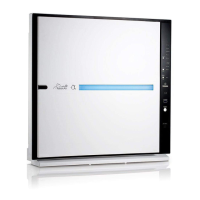
Do you have a question about the Rabbit Air MinusA2 SPA-700A and is the answer not in the manual?
Remove the front panel and filter case from the unit for access to filters.
Remove Pre-filter, Medium, HEPA, Customized, and Activated Carbon Filters from the unit.
Return filters to the filter case in the correct order from back to front.
Slide the bottom of the filter case back into the unit, then press the top.
Latch the top hooks of the front panel, then secure the bottom of the panel.
 General
| Coverage Area | 700 sq. ft. |
|---|---|
| Filter Stages | 6 |
| Weight | 19.8 lbs |
| Warranty | 5 years |
| CADR (Dust) | 200 CFM |
| CADR (Pollen) | 200 CFM |
| Filter Type | HEPA, Activated Carbon |
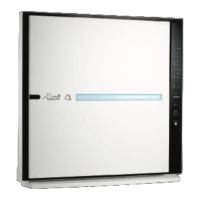
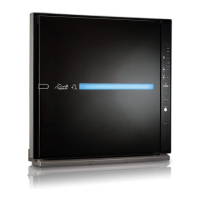
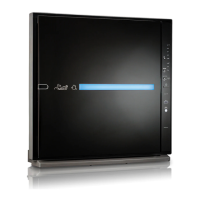
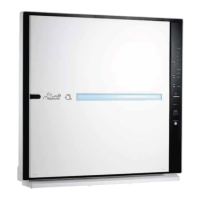
| Color Options | White, Black |
| Dimensions | 20 × 21.4 × 7 inches |


 To Next Page