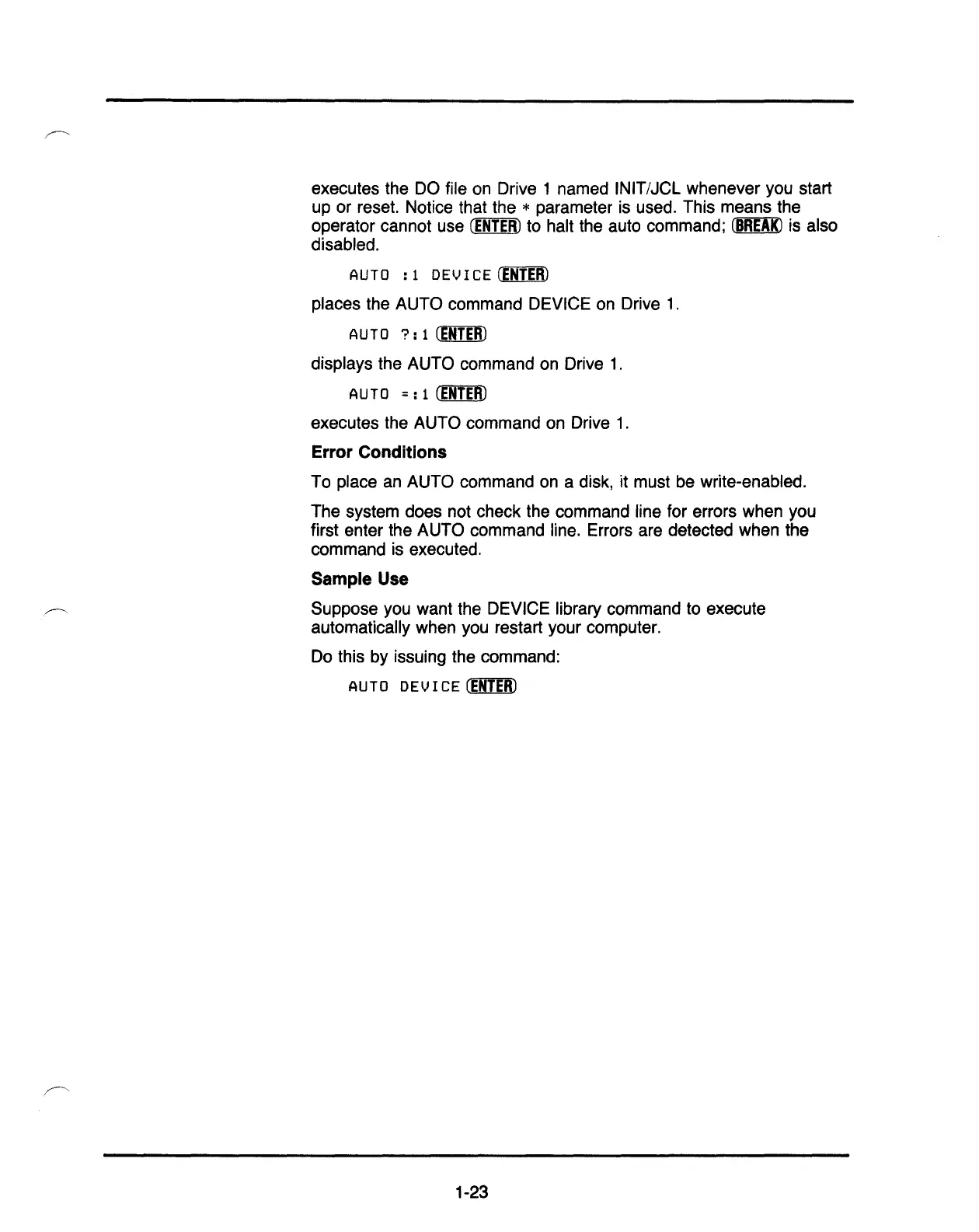
executes the DO file on Drive 1 named INIT/JCL whenever you start
up or reset. Notice that the
* parameter is used. This means the
operator cannot use
CENTER)
to halt the auto command;
(BB:E!K)
is also
disabled.
AUTO
: 1
DEV
I
CE
CENTER)
places the AUTO command DEVICE on Drive
1.
AUTO
?:
1
CEBI:E:ID
displays the AUTO command on Drive
1.
AUTO
=:
1
(ENTERJ
executes the AUTO command on Drive
1.
Error Conditions
To place an AUTO command on a disk, it must be write-enabled.
The system does not check the command line for errors when you
first enter the AUTO command line. Errors are detected when the
command is executed.
Sample Use
Suppose you want the DEVICE library command to execute
automatically when you restart your computer.
Do this by issuing the command:
AUTO
DEV
I
CE
CENTER)
1-23



 To Next Page
 Loading...