PG 14
PG 15
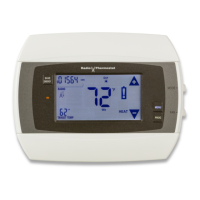
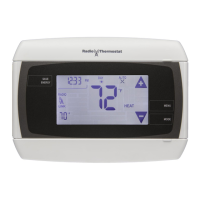
Communicating Thermostat
The CT101 has a built in Z-Wave radio. This allows your thermostat to
communicate with the Iris™ system.
Removaling your Iris Thermostat from the Iris™ system:
1. From your IRIS™ Dashboard
2. Click on ‘Devices’
3. Locate the device you wish to remove
4. Click ‘Manage’ button alongside this device
5. Click ‘Remove device’
6. Follow the online instructions to remove the device
Z-Wave and Battery Power
When your thermostat is running on battery power, the Z-Wave radio will turn off to help conserve
battery life. The CT101 Z-Wave radio module supports Z-Wave beaming, which allows other devices
in the network to wake up the Z-Wave module and accept commands, and then go back to sleep.
The node type is xed during network inclusion. If C-Wire is not present and the thermostat is battery
powered during network inclusion, the thermostat will remain a frequent listening routing slave
(FLiRS) node until the thermostat is removed from the network via network exclusion.



 To Next Page
 Loading...