PG 1
Operation Guide CT101
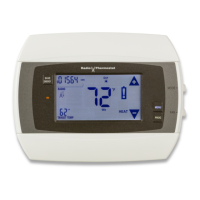
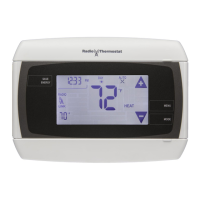
The CT101 communicating Z-Wave thermostat
operates via a high-quality, easy-to-use touch screen.
To set or adjust your CT101, simply touch your nger
rmly to the screen. The screen will automatically light
up and you will hear a “beep.” Do not use a sharp or
metallic device; it will scratch the screen.
ENGLISH
Statement of use: 100% Compatible with all popular
residential HVAC systems; 24VAC single, two stage
conventional heating systems (gas/oil/electric), heat pumps
with up to two stages of heat and two stage auxiliary
heat(electric or fossil), zoned forced air and zoned hot water
(2 or 3 wire), millivolt systems (with a 12-24 AC or DC source),
one or two stage cooling, and hybrid systems.
1202-004-002
Power Grid
status
indicator
top cover
Touch screen
Wire
terminals
Mode
button
button
MENU
Reset
button
HVAC
selections
switches
bottom
cover



 To Next Page
 Loading...