-
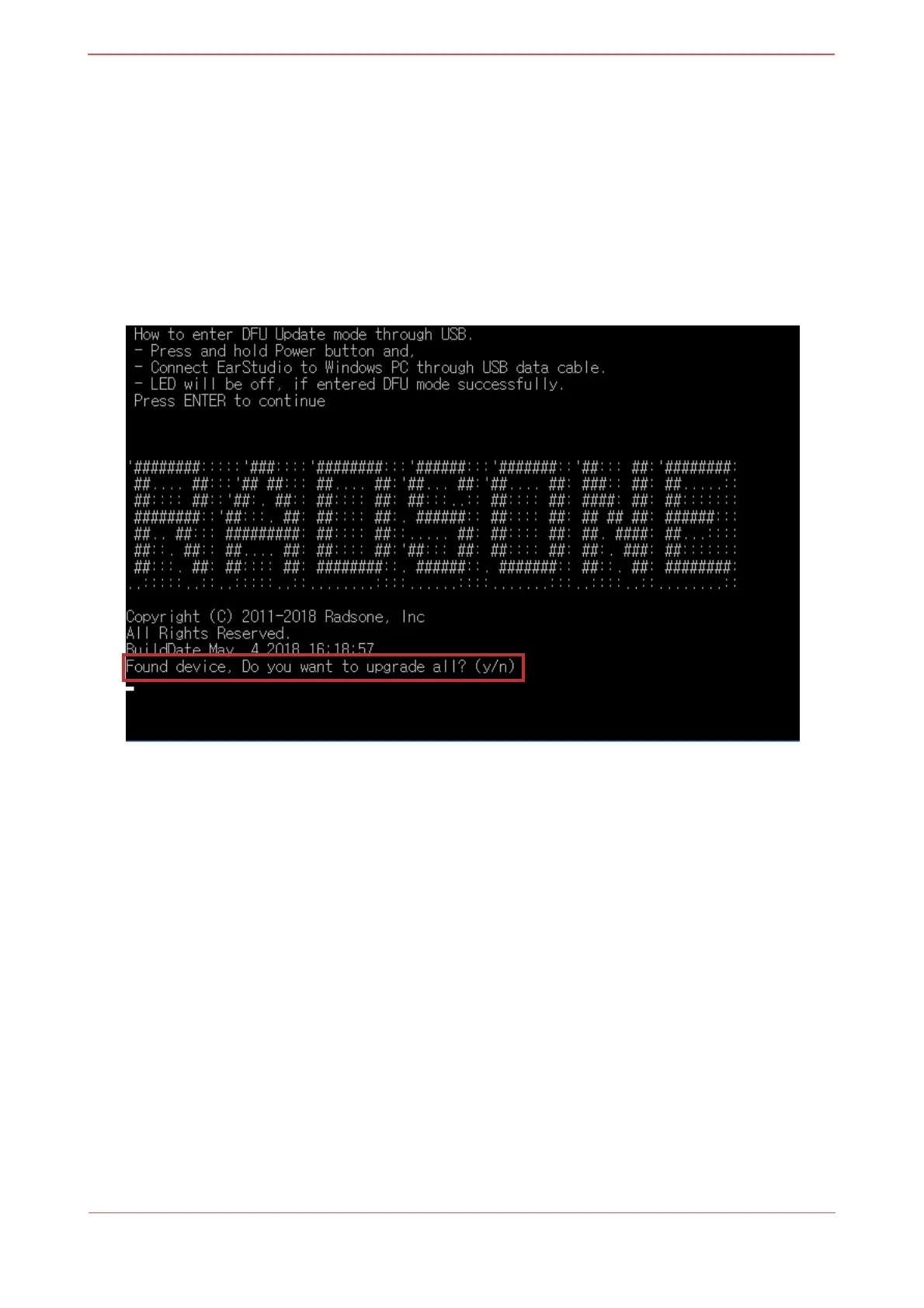
LED will be off, if entered DFU mode successfully.
3. Run batch file
•
Run "run_win32.bat" or "run_win64.bat"
-
Press "Enter" key and “Found device” should be displayed.
-
Enter "y"
-
Wait while DFU is in progress.
-
EarStudio will reset automatically when DFU is finished.
-
Keep the device connected until getting the message: “Firmware update
completed / Device restarting”
[macOS]
1. Install Homebrew
•
Homebrew is a package manager for macOS for installing libusb easily.
•
Open terminal, copy and paste below:


 To Next Page