EasyManua.ls Logo

RADVision SCOPIA XT4000 Series - User Manual

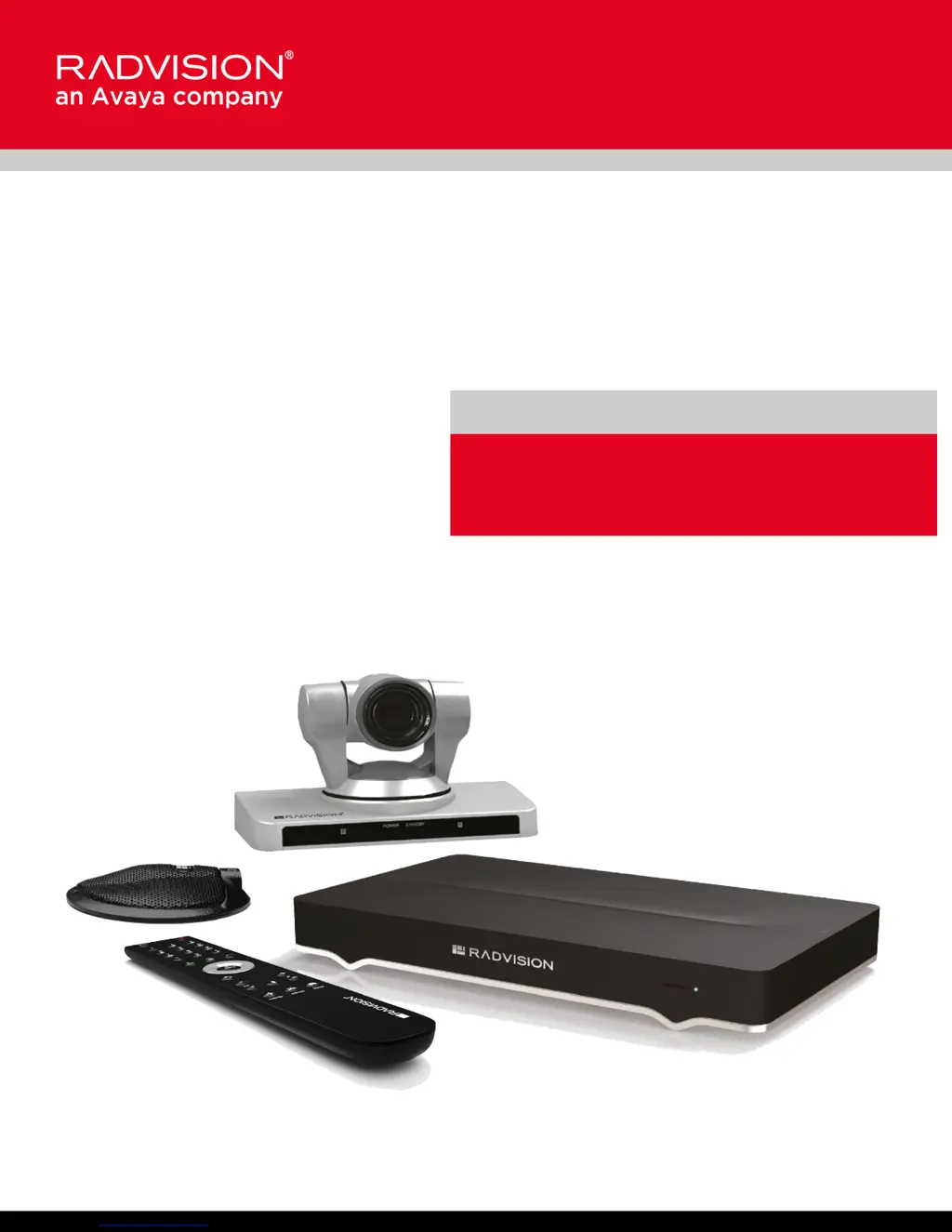
RADVision SCOPIA XT4000 Series
102 pages
Print Icon
To Next Page IconTo Next Page
Loading...
Scopia XT4000 Series
User Guide
Version 3.2
For Solution 7.7, 8.0.x, 8.2
3.2

Table of Contents

Questions and Answers

  • A
    Alicia QuinnJul 31, 2025
    What to do if my RADVision SCOPIA XT4000 displays a blank screen?
    • T
      thorntonoscarJul 31, 2025
      If your RADVision Conference System displays a blank screen, please check the following: * Verify the power cord of the XT Codec Unit is connected properly at both ends. * Verify the monitor’s power cord is connected properly at both ends. * Check that the monitor power switch is set to ON. * Verify the XT Codec Unit’s LED is on. If the LED is blinking, press the Power key on the XT Remote Control Unit. * Ensure the XT Codec Unit output is properly connected to the monitor input and that the monitor/DVI cable is connected properly at both ends.
  • D
    Denise PachecoAug 9, 2025
    Why is my RADVision Conference System remote not working?
    • J
      John BirdAug 9, 2025
      If your RADVision Conference System remote is not functioning, try the following: 1. Replace the battery, as described in Scopia XT Series Installation Guide. 2. If the battery power is not low, configure the XT Remote Control Unit code on the XT Codec Unit to the same number that it is set on the XT Remote Control Unit, as described in Pairing an XT Remote Control Unit with a XT Codec Unit on page 19). 3. If you still experience problems, reconfigure the XT Remote Control Unit code to be a number between 01-04, inclusive.
  • G
    Gregory HerreraAug 20, 2025
    What causes audio/video disruptions in RADVision SCOPIA XT4000?
    • S
      Shelly ThomasAug 21, 2025
      Disruptions in video or audio, such as additional noise or static, in your RADVision Conference System can be caused by: * Electromagnetic interference (EMI) from devices like cellular phones. To avoid this, refrain from using cellular phones during meetings. * Noise produced by a computer's cooling system. If using a laptop during a meeting, ensure it is not placed too close to the microphone.

Summary

Getting Started

Configuring Network Settings

Guides on setting up network settings and IP address for placing calls.

Starting a Videoconference

Dialing a Number Directly from the Endpoint

Explains how to dial a number directly from the endpoint itself.

During Your Videoconference

Recording a Videoconference

Describes how to record videoconferences and view recordings.

Customizing Your User Experience

Troubleshooting the Scopia XT Series

Viewing System Information for Customer Support

Details how to view system information needed for support or administration.

Resolving Monitor Display Problems

Provides solutions for issues like flickering or blank screens.

Resolving XT Remote Control Unit Problems

Guides on troubleshooting issues with the XT Remote Control Unit.

RADVision SCOPIA XT4000 Series Specifications

General IconGeneral
BrandRADVision
ModelSCOPIA XT4000 Series
CategoryConference System
LanguageEnglish

Related product manuals