EasyManua.ls Logo

RADVision Scopia XT5000 Series - User Manual

RADVision Scopia XT5000 Series
113 pages
Print Icon
To Next Page IconTo Next Page
Loading...
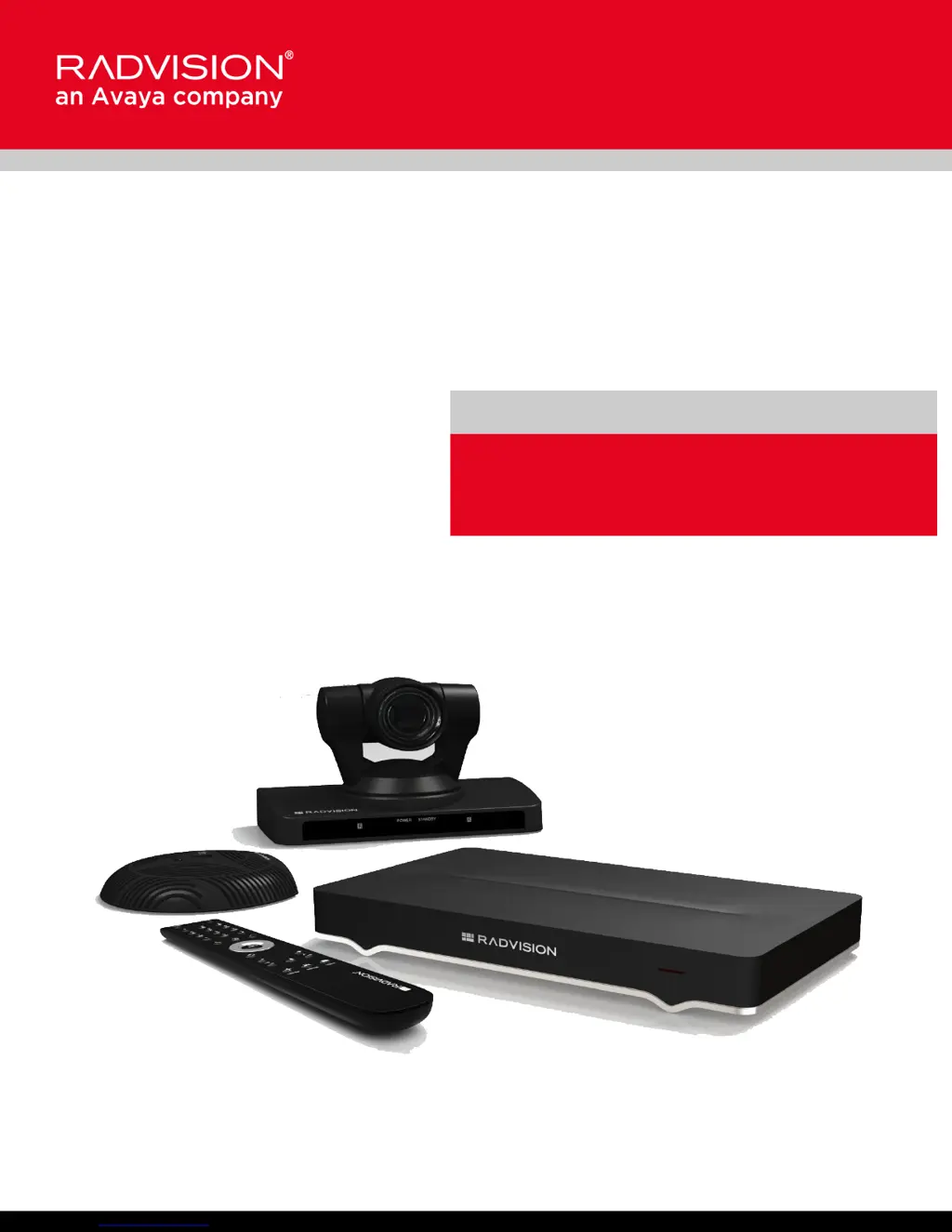
Scopia XT5000 Series
User Guide
Version 3.2
For Solution 7.7, 8.0.x, 8.2
3.2

Table of Contents

Other manuals for RADVision Scopia XT5000 Series

Questions and Answers

Summary

Getting Started

Performing Basic Configuration

Details the essential settings for system name, language, and network configuration.

Starting a Videoconference

Dialing a Number Directly from the Endpoint

Details the most common method for placing calls directly from the endpoint.

Answering and Ending a Video Call

Covers manual or automatic call answering and how to end a videoconference.

During Your Videoconference

Sharing Content

Details how to share a presentation or any other file from a PC during a call.

Hosting Videoconferences with the Built-in MCU

Troubleshooting the Scopia XT Series

Resolving Monitor Display Problems

Offers solutions for common issues like flickering or blank screens on monitors.

Restoring Default User Settings

Explains how to restore the system to its default user settings if needed.

RADVision Scopia XT5000 Series Specifications

General IconGeneral
BrandRADVision
ModelScopia XT5000 Series
CategoryConference System
LanguageEnglish

Related product manuals