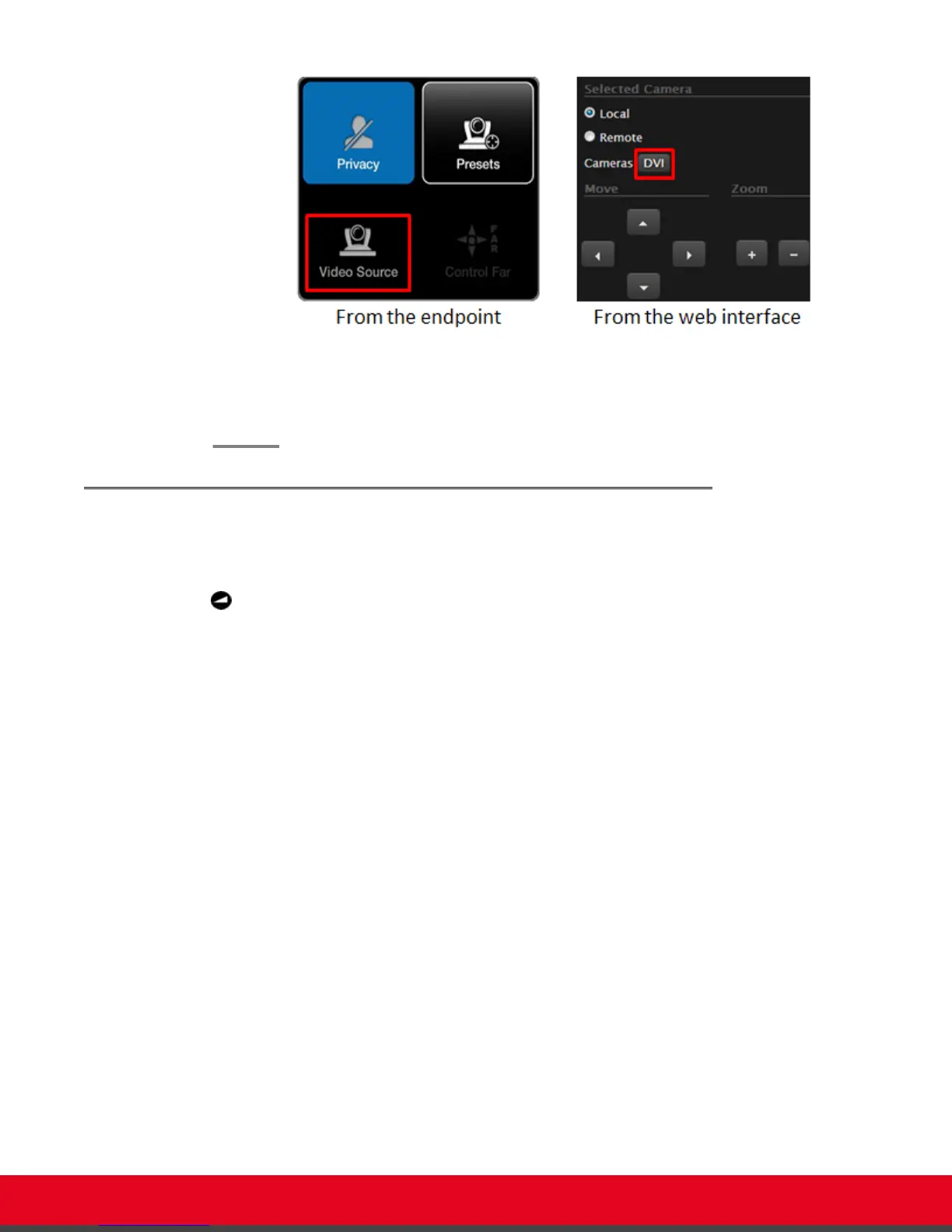
Figure 38: Switching between cameras
3. Move the camera position using the arrow and zoom icons on the XT Remote Control Unit or
the web interface to get the desired angle.
Adjusting the Volume
About this task
Press + or - on the XT Remote Control Unit to adjust the sound you hear when receiving a call and
during a videoconference.
To change the default speaker volume, perform the procedure in this section. You can do this procedure
from the endpoint itself or from the XT Series web interface.
Procedure
1. Access the volume settings, as follows:
•
From the endpoint's main menu, select Configure > Calling from the Main menu.
•
From the XT Series web interface, select Basic Settings > Call-Answer mode >
General.
User Guide for Scopia XT5000 Series Version 3.2 During Your Videoconference | 54



 To Next Page