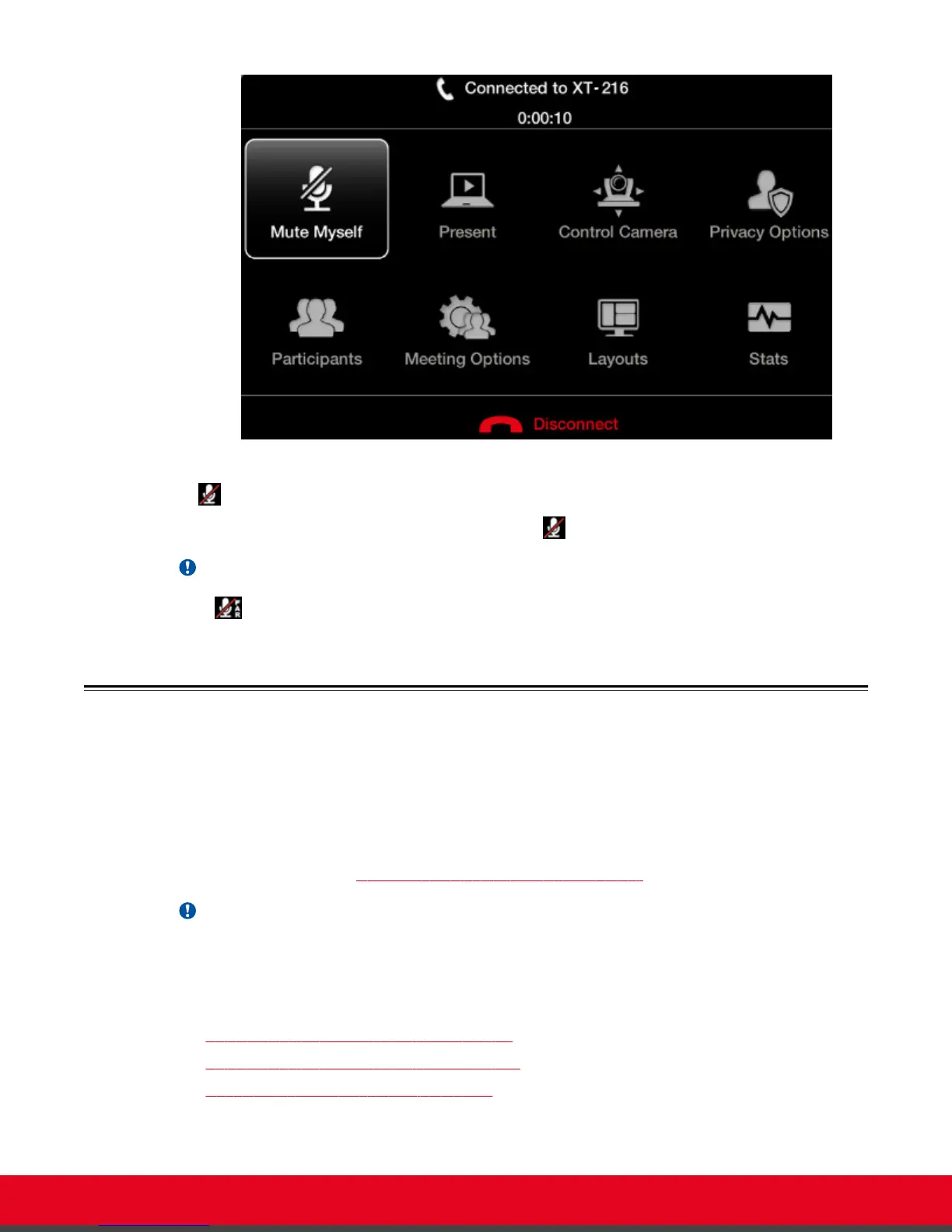
Figure 40: In-Call menu
The icon appears on the display.
To unmute, repeat the procedure described above. The
icon disappears from the display.
Important:
The
icon shows that the remote endpoint's microphone is muted.
About Video Layouts
A video layout is the arrangement of participant images as they appear on the monitor in a
videoconference. If the meeting includes a presentation, a layout can also refer to the arrangement of
the presentation image together with the meeting participants.
Video layouts of your XT Series depend on whether it uses one or two monitors.
You can change the video layouts on your XT Series during a call to optimize your videoconferencing
experience, as described in Changing the Video Layout During the Call on page 61.
Important:
The available layouts are pre-configured by the administrator so that a set of default layouts is
available for you.
Navigation
•
Selecting your Video Layout with One Monitor on page 56
•
Selecting your Video Layout with Two Monitors on page 58
•
Changing the Video Layout During the Call on page 61
User Guide for Scopia XT5000 Series Version 3.2 During Your Videoconference | 56



 To Next Page