Deleting a Contact from the Phone Book
About this task
If you are using the Scopia XT Series's local LDAP server, you can remove unused contacts from your
phone book. You can do this procedure from the endpoint itself or from the XT Series web interface.
Procedure
1. Access the Contacts list as follows:
•
From the endpoint's main menu, select Contacts.
•
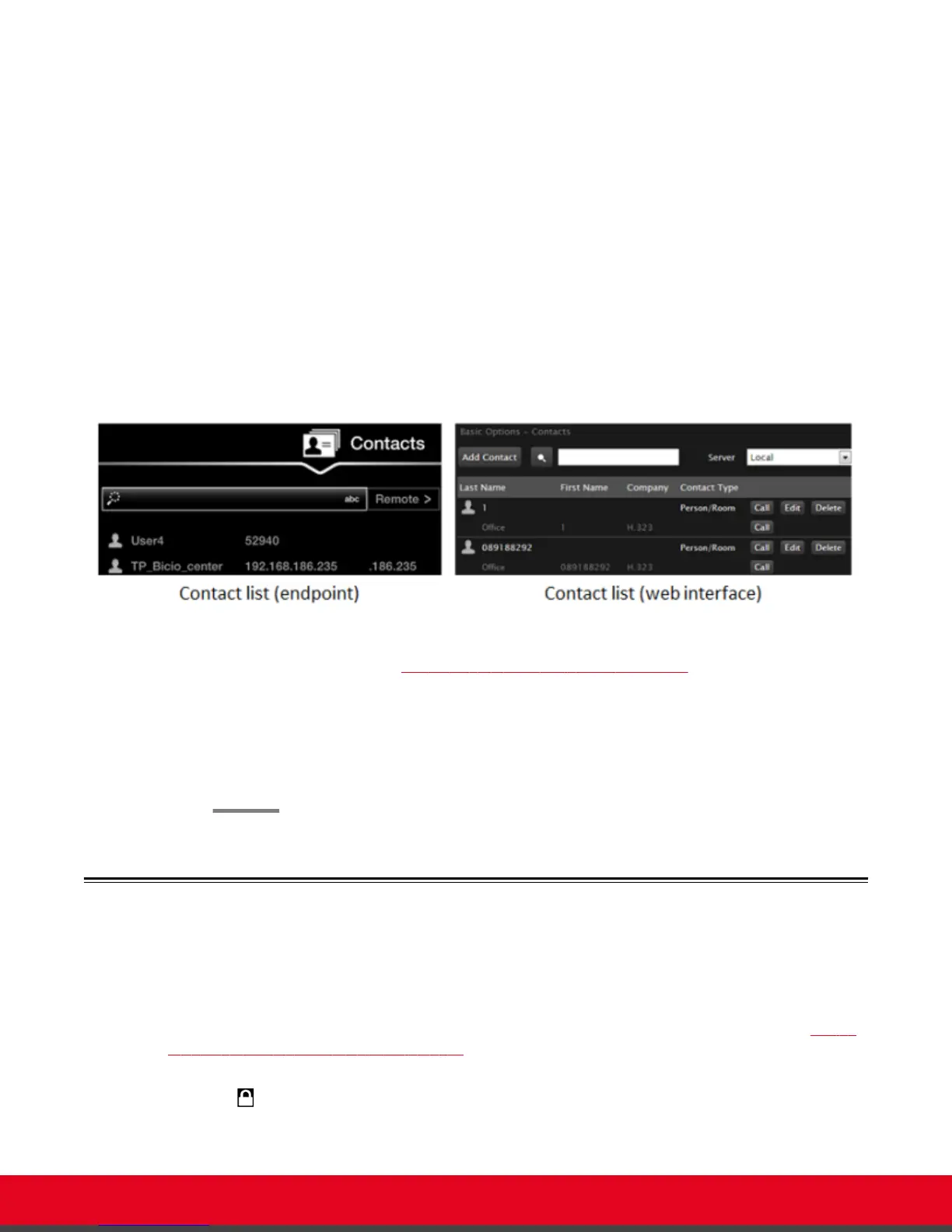
From the XT Series web interface, select Make your call > Contacts.
Figure 24: The Contacts page
2. Search for the contact (Searching for a Contact in the Phone Book on page 36) and delete it
as follows:
•
From the endpoint, select the right-arrow next to the contact and Delete Contact.
•
From the web interface, select Delete.
3. Select Yes to confirm.
Dialing a Number Directly from the Endpoint
About this task
This section describes how to dial a number from the endpoint itself. This is the most common way to
place calls. Alternatively, you can dial a number remotely from the XT Series web interface (see Dialing
a Number from the XT Series Web Interface on page 39).
If your system administrator enabled encryption in your system and your call is secured, an icon showing
a padlock
appears on your display. For more information, see Administrator Guide for Scopia XT
Series.
User Guide for Scopia XT5000 Series Version 3.2 Starting a Videoconference | 37



 To Next Page