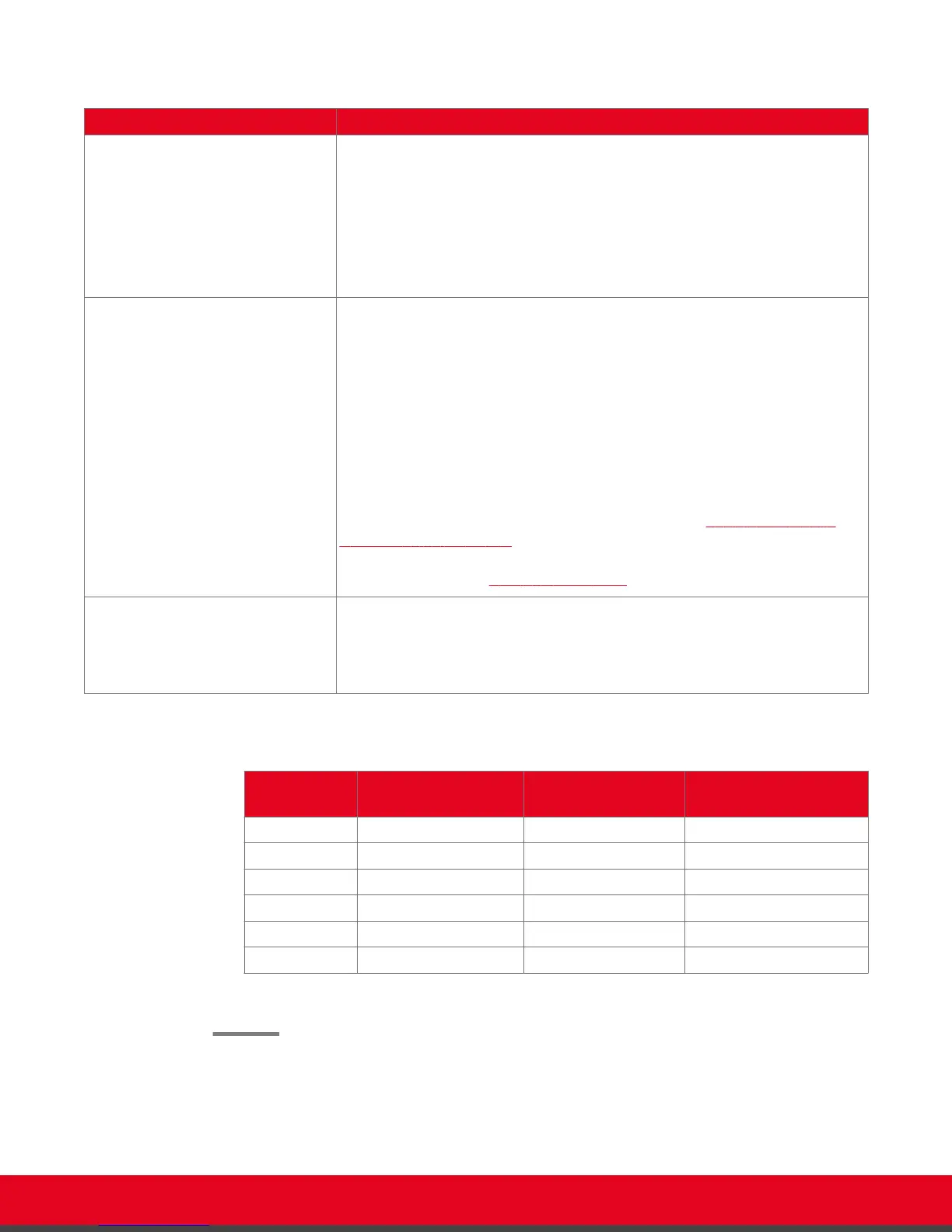
Table 7: Configuring recording settings
Field Description
Resolution Select the video resolution to use for recording from the list. The frame rate is
limited to 25 frames per second. For the best quality, we recommend using the
default video resolution, 1080p.
You can lower the video resolution during a recording if the media player or
device used to view recordings does not support all video resolutions.
When you change the resolution, the system automatically selects the optimal
bitrate for this resolution.
Bit rate Select the recording bitrate to determine the file size of the recording. To use
less space on your USB storage device for recordings, select a lower bitrate.
For the best results, use the default value for your chosen resolution.
Bitrate measures the speed of data flow, measured in kbps. Higher video
resolutions require higher bitrates to ensure the video is constantly updated,
thereby maintaining smooth motion. If you lower the bitrate, you lower the
quality of the video. In some cases, you can select a lower bitrate without
noticing a significant drop in video quality; for example during a presentation or
when a lecturer is speaking and there is very little motion. In video recordings,
the bitrate determines the file size for each minute of recording.
To estimate the space you need for the recording, see Table 8: Typical file
sizes based on the bitrate on page 47. You can see how much recording
time is available on your USB storage device when you access the Recording
menu (for details, see Starting a Recording on page 47).
Audio Alert Select Yes to enable an audio message alert at the beginning of the
videoconference, indicating to all participants that the meeting is being
recorded.
This alert is also sent to late participants.
Table 8: Typical file sizes based on the bitrate
Bitrate
File size for 1 minute
recording
File size for 30
minute recording
File size for 1 hour
recording
6144K 45 MB 1,350 MB 2,700 MB
4096K 30 MB 900 MB 1,800 MB
2048K 15 MB 450 MB 900 MB
1024 7.5 MB 225 MB 450 MB
512 3.75 MB 112.5 MB 225 MB
384 3 MB 85 MB 169 MB
3. From the web interface only, select Save.
User Guide for Scopia XT5000 Series Version 3.2 During Your Videoconference | 47



 To Next Page