Important:
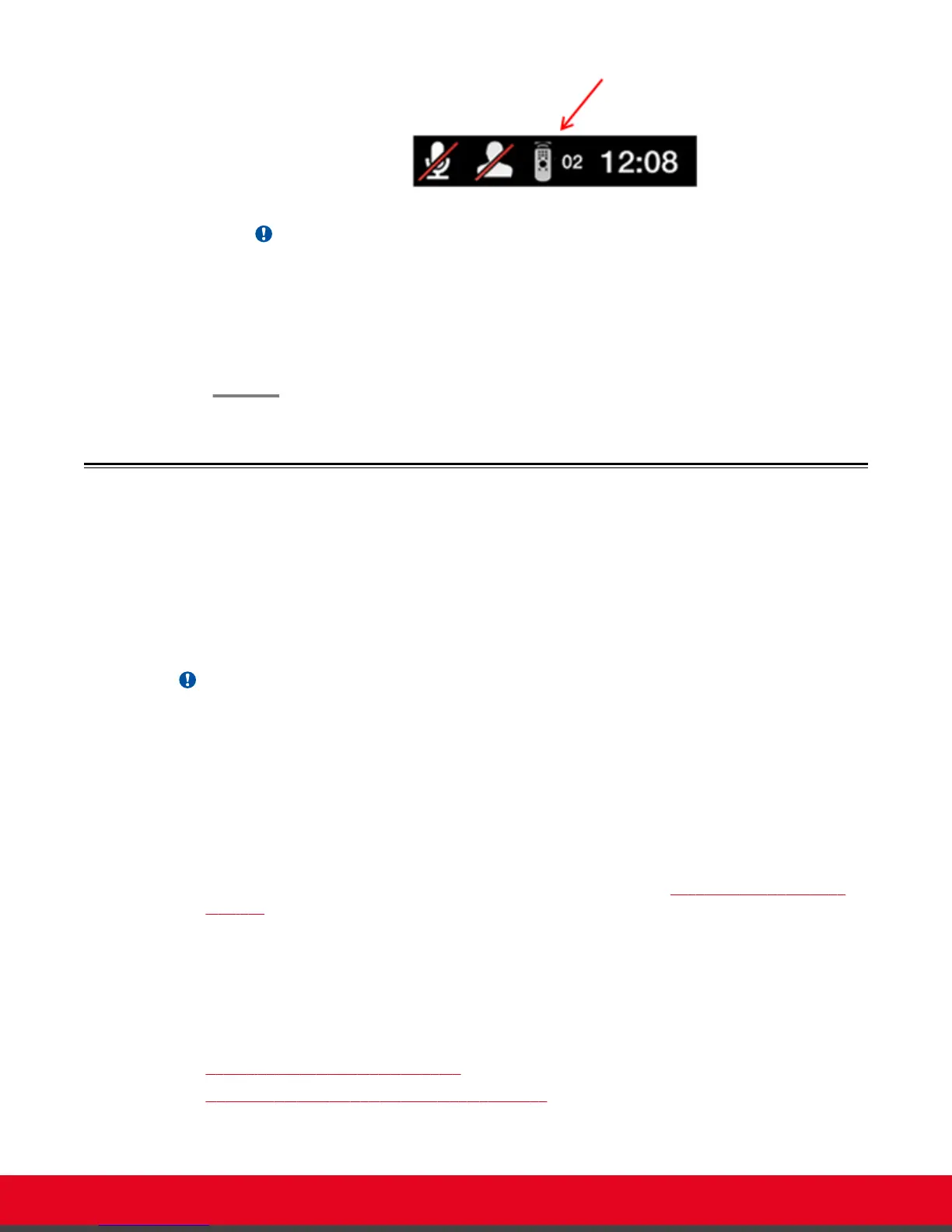
The code and icon do not appear when the default code, 01, is used.
6. Set the code and exit by doing one of the following:
•
In the web interface, select Finish.
•
In the endpoint, press OK.
Performing Basic Configuration
Before you perform basic configuration for the XT Series, your system administrator should install and
activate your XT Series (for details, see the Quick Setup Guide for Scopia XT Series, the Installation
Guide for Scopia XT Series, and Safety Instructions leaflet for Scopia XT Series.
To start using your XT Series, first define basic settings, such as the system's name, language, and
network settings. This is relevant for both new installations, and also after restoring default settings and
re-installing software.
Important:
Your system administrator might already have set these parameters for you and customized certain
features described in this guide to suit the environment of your company. If your administrator set up
PIN protection, you need the PIN number before continuing with the configuration.
You can define these settings as follows:
•
Following the quick setup procedure on the XT Series endpoint.
We recommend this method to quickly start using your XT Series, since the quick setup wizard
includes only the basic required settings.
•
Remotely defining the settings from the XT Series web interface (see Accessing XT Series Web
Interface on page 14).
Your administrator may define some settings remotely, such as for the network or gatekeeper (see
the Scopia XT Series Installation Guide for details). The quick setup is available from the web
interface if you have not already completed the procedure from the endpoint.
You cannot remotely set the image on the monitor; this must be done from the endpoint itself.
Navigation
•
Accessing the Quick Setup Procedure on page 22
•
Remotely Setting the System Name and Language on page 30
User Guide for Scopia XT5000 Series Version 3.2 Getting Started | 22



 To Next Page