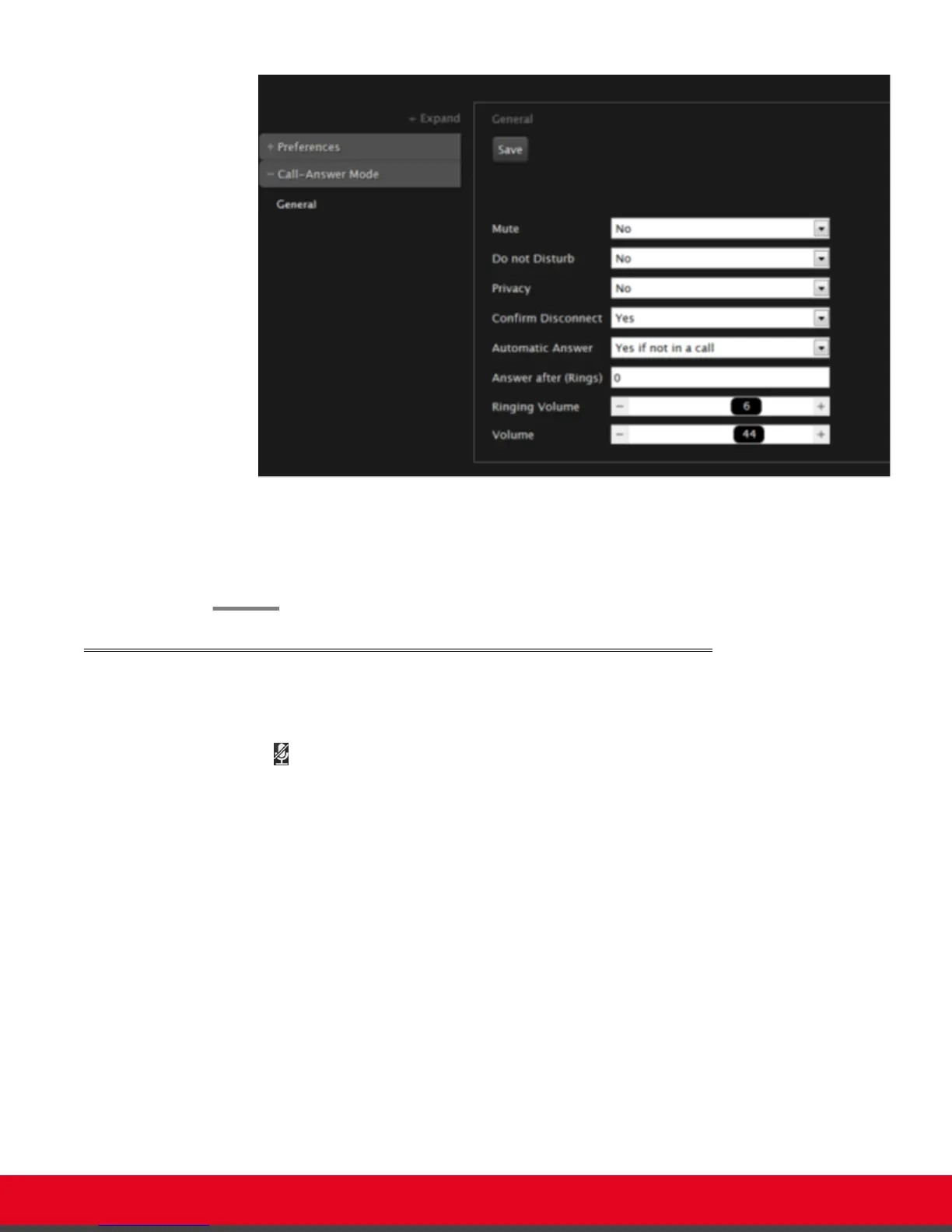
Figure 39: Call-Answer settings
2. Drag the Volume slider to set the value.
3. From the web interface only, select Save.
Muting the Microphone Pod
You can mute the Microphone Pod in your room if you do not want participants at the remote site to hear
you by doing one of the following:
•
Press the Mute key on the XT Remote Control Unit or press the Mute button on the Microphone
Pod.
•
Press ok/menu to access the In-call menu and select Mute Myself:
User Guide for Scopia XT5000 Series Version 3.2 During Your Videoconference | 55



 To Next Page