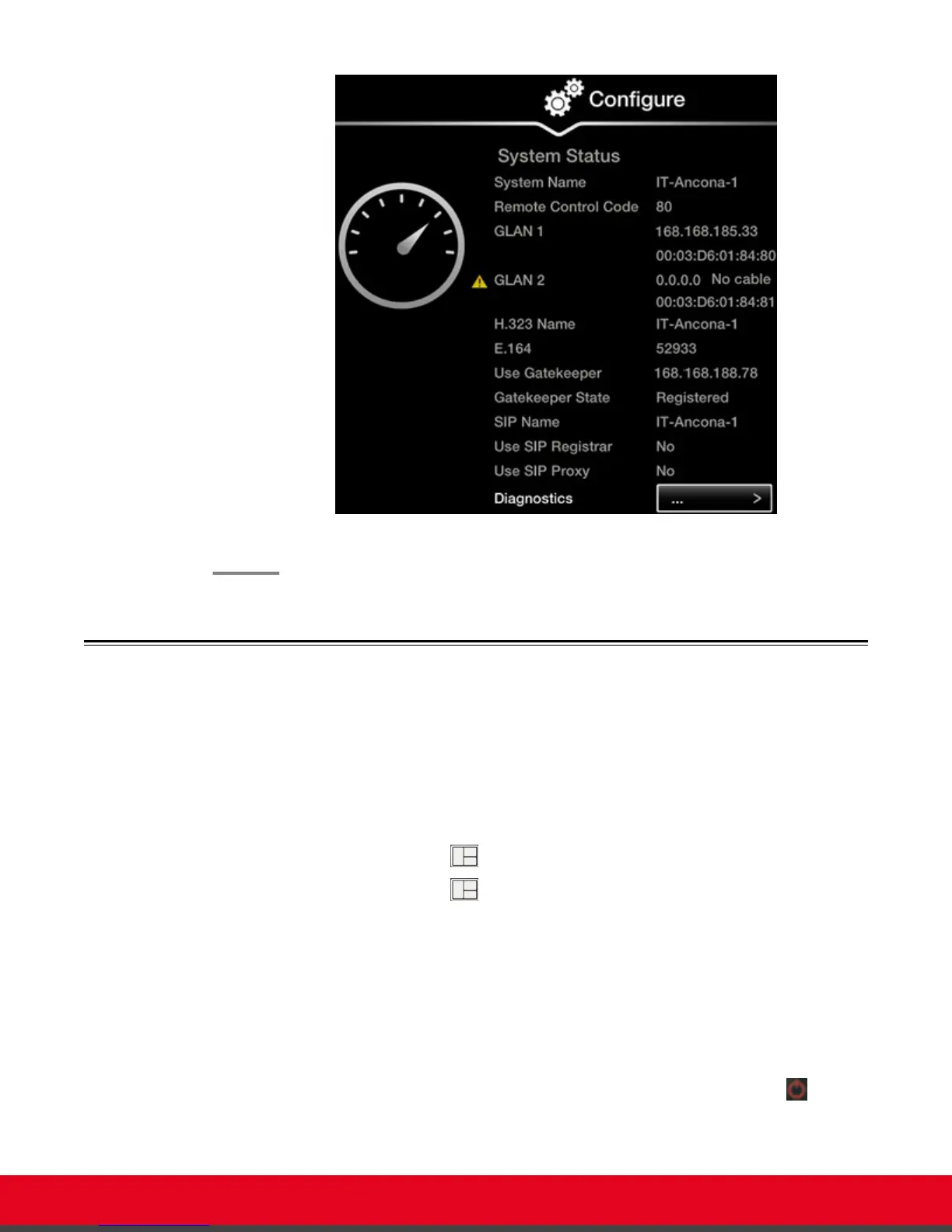
Figure 70: Viewing system network information
Resolving Monitor Display Problems
Problem
The system displays a flickering or blank screen.
Solution
The rear panel of the XT Codec Unit features 2 HD outputs for connecting a main and
auxiliary screen. For cabling, see the cabling diagram in the Quick Setup Guide.
Your system administrator must configure the system for correct video resolution.
When you are not in a call, you can set the refresh frequency of the monitor display:
•
Set to 50 Hz by pressing
then 5.
•
Set to 60 Hz by pressing then 6.
Problem
The system displays a blank screen.
Solution
Verify the power cord of the XT Codec Unit is connected properly at both ends.
Solution
Verify the monitor’s power cord is connected properly at both ends.
Solution
Check that the monitor power switch is set to ON.
Solution
Verify the XT Codec Unit’s LED is on. If the LED is blinking, press the Power key
on the
XT Remote Control Unit.
User Guide for Scopia XT5000 Series Version 3.2 Troubleshooting the Scopia XT Series | 90



 To Next Page