•
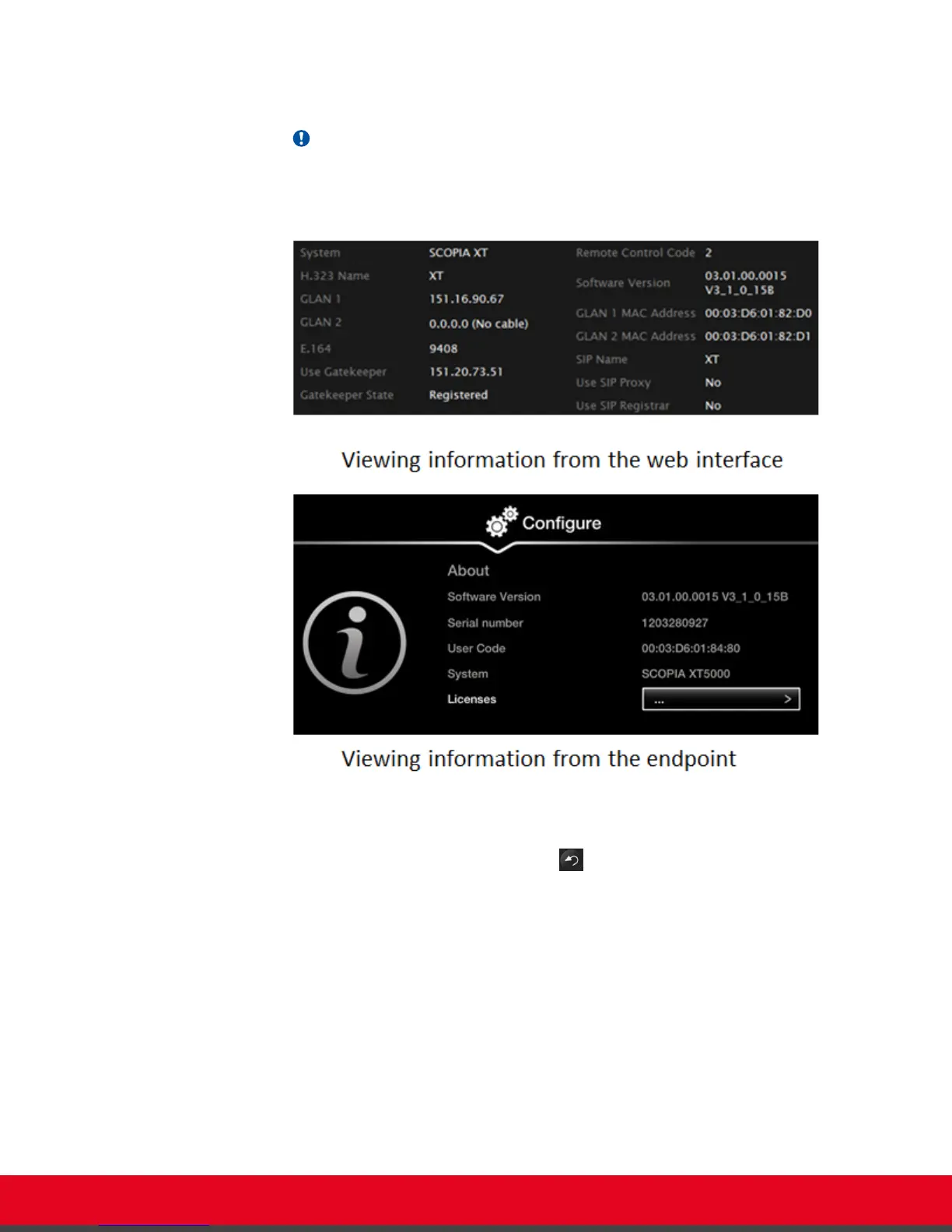
From the endpoint's main menu, select Configure > About using the XT Remote
Control Unit.
Important:
If your system is currently in a call, press ok/menu and select Stats > Configure >
About.
Figure 69: Viewing system information
2. To view additional system information such as IP addresses and the gatekeeper's
registration status from the endpoint, press the Back key and select System Status.
User Guide for Scopia XT5000 Series Version 3.2 Troubleshooting the Scopia XT Series | 89



 To Next Page