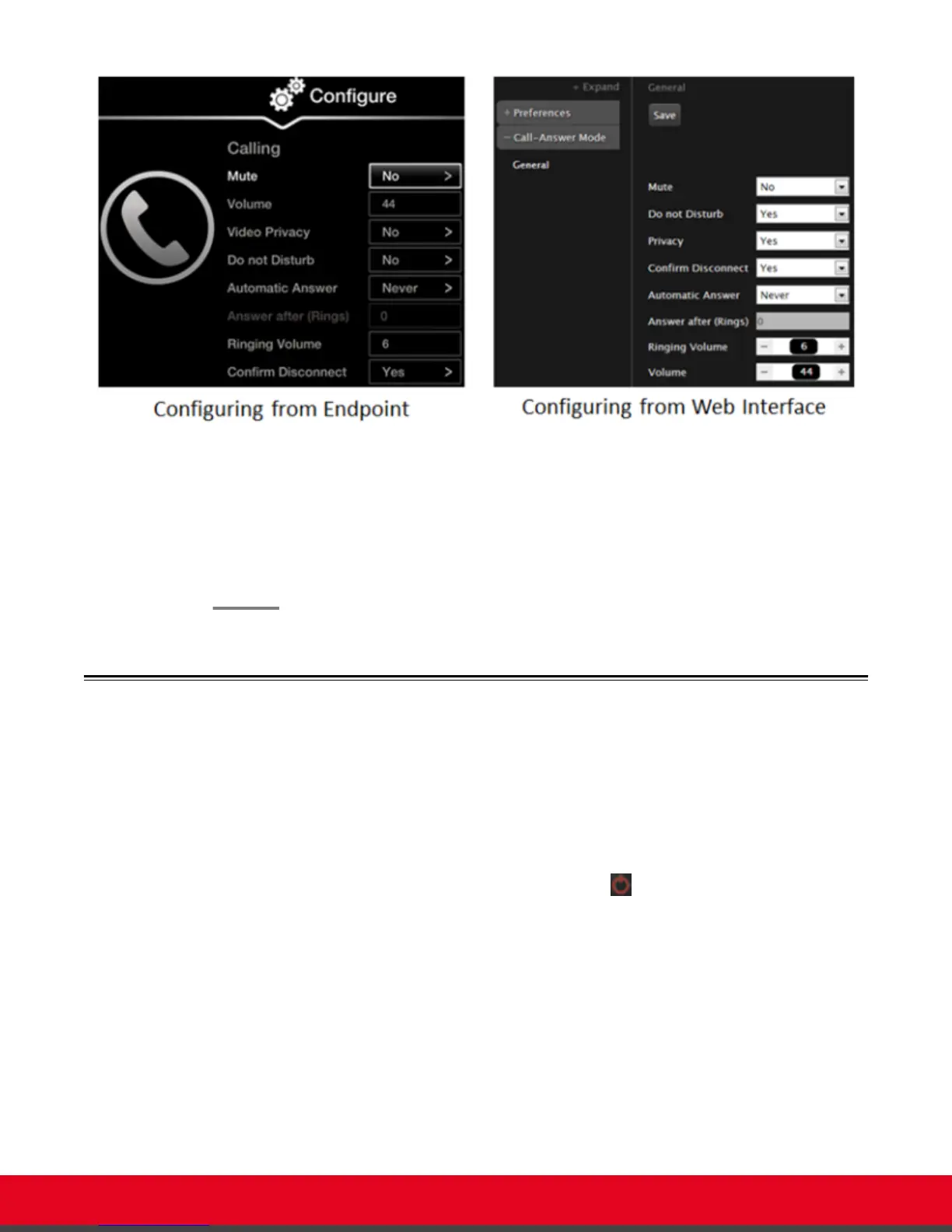
Figure 68: Call settings
2. Block video by default by doing the following:
•
From the web interface, set Privacy to Yes.
•
From the endpoint's interface, set Video Privacy to Yes.
3. From the web interface only, select Save.
Activating the Screen Saver
About this task
The screen saver helps protect your monitor from burn-in without switching it off.
Your administrator may have configured the screen saver to start automatically when Scopia XT Series
is not used for some time.
You can activate the screen saver at any moment by pressing the Power key on the XT Remote
Control Unit.
User Guide for Scopia XT5000 Series Version 3.2 Customizing Your User Experience | 87



 To Next Page