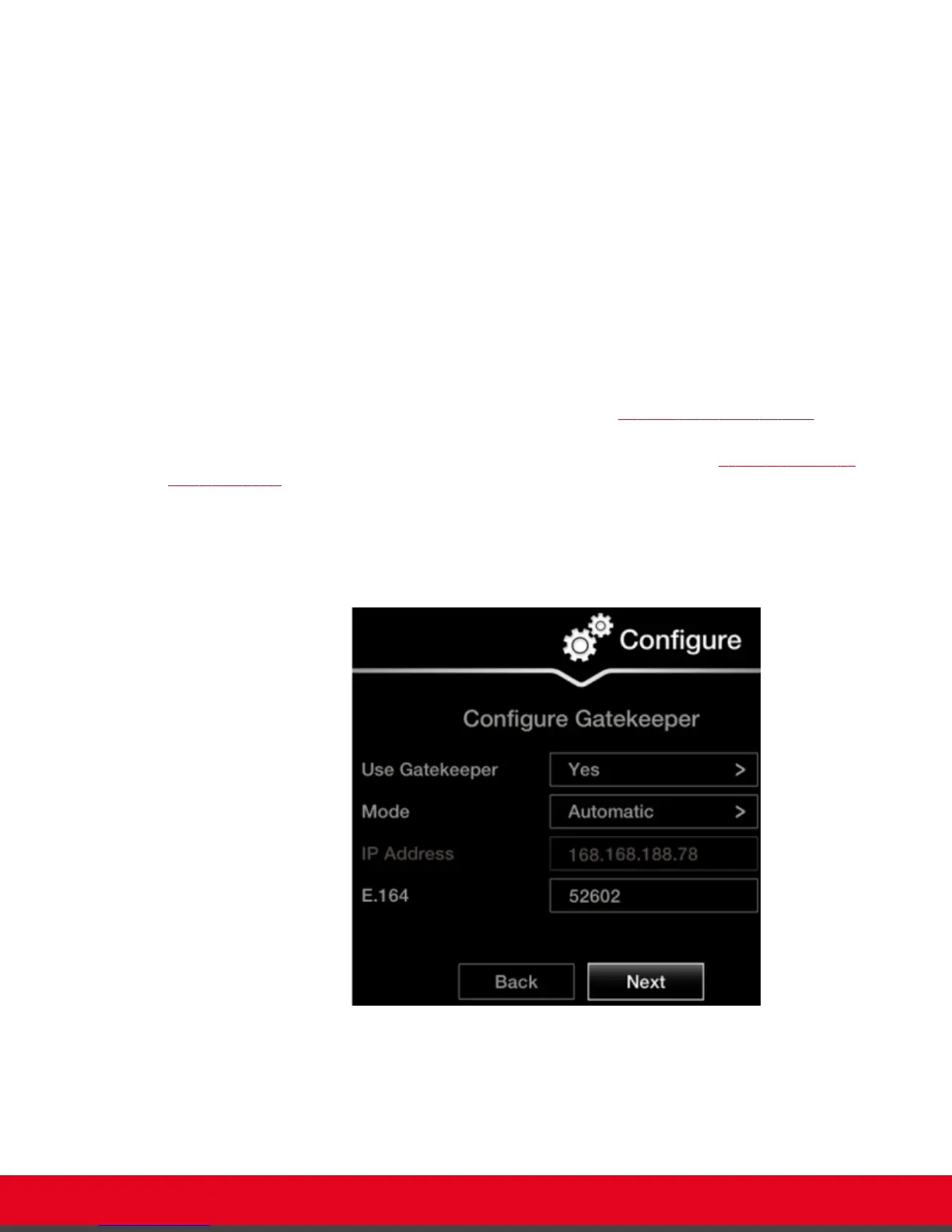
Configuring Gatekeeper Settings
About this task
A gatekeeper routes audio and video H.323 calls by resolving dial strings (H.323 alias or URI) into the IP
address of an endpoint, and handles the initial connection of calls. If your Scopia XT Series works in
conjunction with a gatekeeper, configure gatekeeper-related settings as described in this procedure.
This procedure completes the basic system configuration.
If you are modifying these settings after initial setup, navigate to Configure > Network > H.323 from the
Main menu. For more information, see Installation Guide for Scopia XT Series.
Before you begin
This procedure is performed as part of the basic configuration after Configuring Network Settings on
page 27. Consult with your network administrator to configure these fields.
Access the quick setup wizard from the endpoint or web interface, as described in Accessing the Quick
Setup Procedure on page 22.
Procedure
1. Set the Use Gatekeeper list to Yes.
Figure 18: Gatekeeper settings
2. Set the Mode list to Manual.
User Guide for Scopia XT5000 Series Version 3.2 Getting Started | 29



 To Next Page