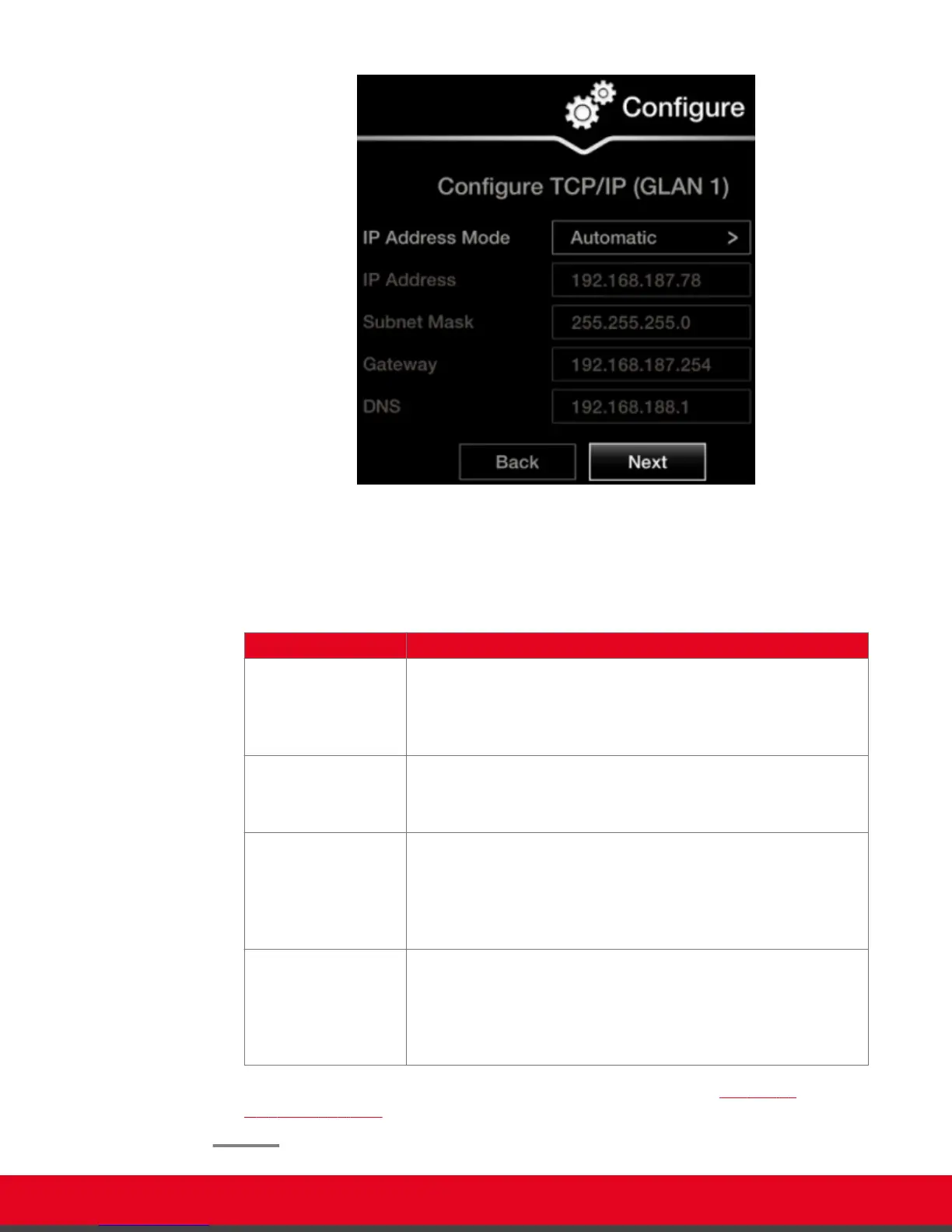
Figure 17: Defining IP Settings
2. If you selected Manual, configure the following, as instructed by the system administrator:
Table 2: Configuring IP addresses
Field Name Description
IP address Enter the system static IP address here, used for accessing and
managing the system.
If the system retrieves its IP address automatically, this field
displays the IP address assigned to the system.
Subnet mask Enter the subnet mask associated with the IP address.
If the system retrieves its IP address automatically, this field
displays the subnet mask that has been assigned.
Gateway Enter the default gateway static IP address. The gateway is used to
route information between two subnets, for example, between the
headquarters and a partner site.
If the system gets its IP address automatically, this field displays the
gateway IP address assigned to the system.
DNS Enter the DNS server IP address. The DNS server in your network
resolves domain names in your network and translates them into IP
addresses.
If the system gets its IP address automatically, this field displays the
assigned DNS server IP address.
3. To configure your gatekeeper's settings, select Next and continue with Configuring
Gatekeeper Settings on page 29.
User Guide for Scopia XT5000 Series Version 3.2 Getting Started | 28



 To Next Page