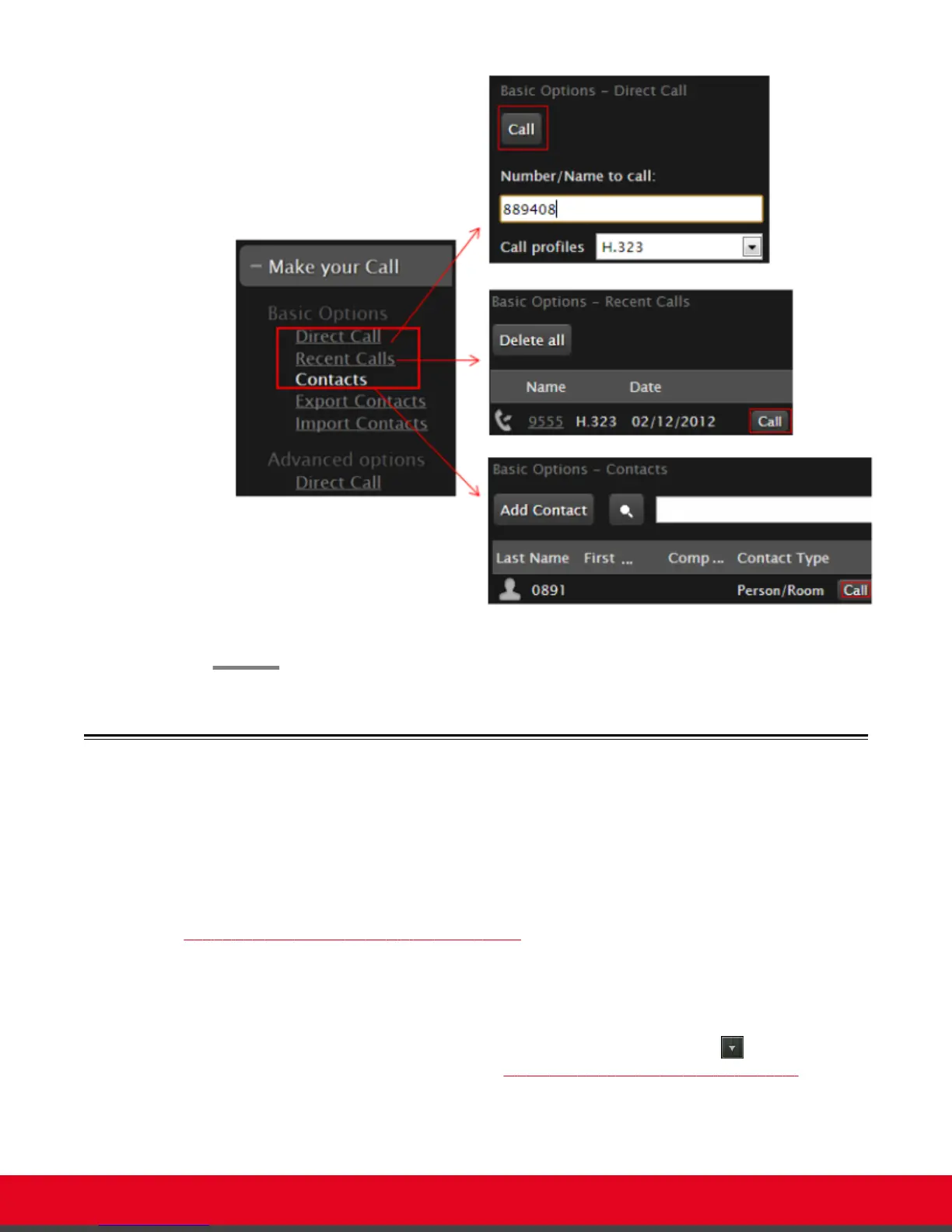
Figure 26: Dialing from the web interface
Modifying the Default Call Settings
About this task
When dialing a number or contact, you can change the default call settings, if necessary. For example,
you can set the call as audio only to conserve bandwidth.
You can also modify contacts in your phone book to always use these customized settings, as described
in
Adding and Modifying Contacts in the Phone Book on page 33.
Procedure
1. Access the Advanced Calling Options menu, as follows:
•
From the endpoint, choose the number you are calling and select (for details about
selecting the number to dial, see Dialing a Number Directly from the Endpoint on page
37).
•
From the web interface, select Advanced Calling Options > Direct call.
User Guide for Scopia XT5000 Series Version 3.2 Starting a Videoconference | 41



 To Next Page