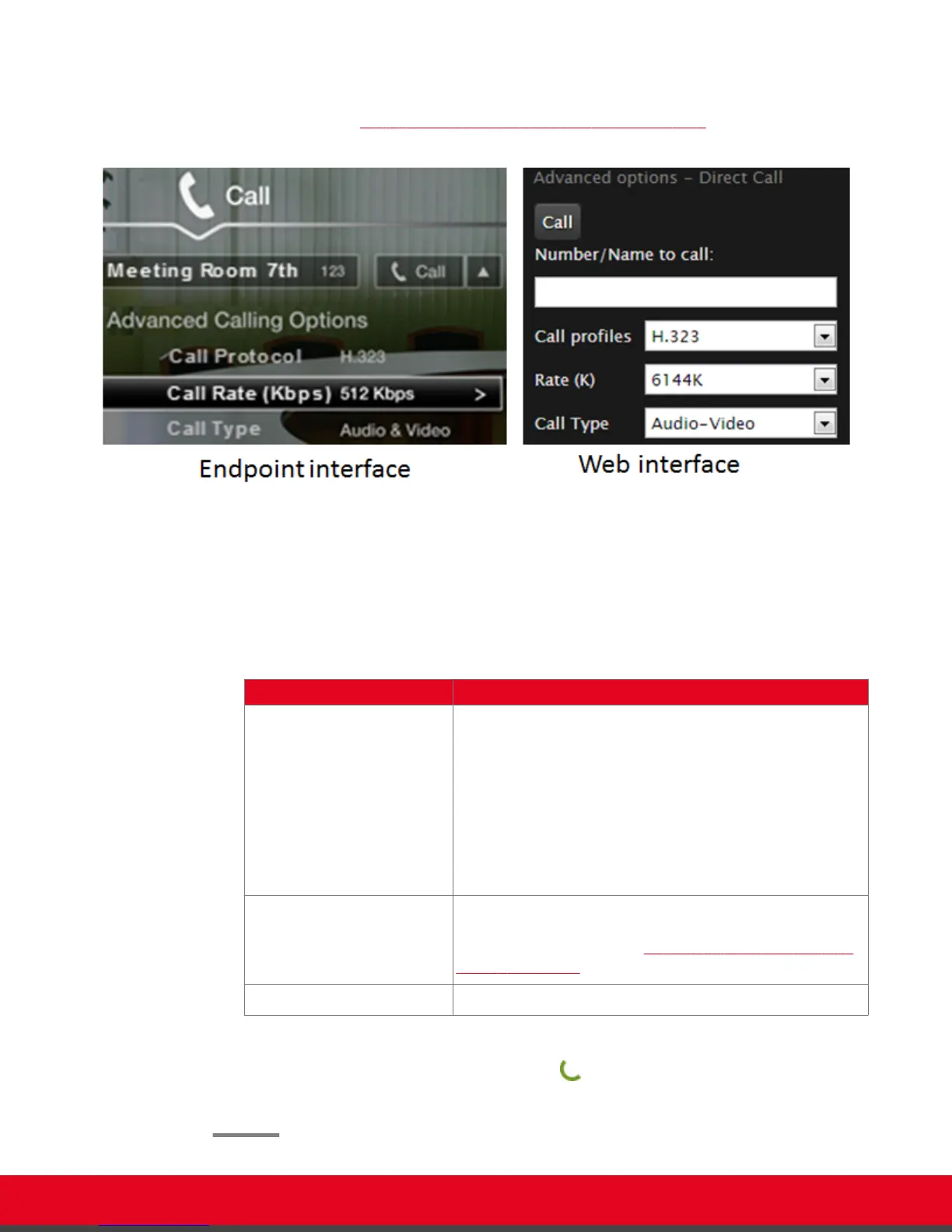
If you are dialing from the Contacts, Recent Calls, or Direct Call page, select Edit
next to the number you are calling (for more information about navigating to these
pages, see Dialing a Number from the XT Series Web Interface on page 39).
Figure 27: Changing advanced call settings
2. Modify the call settings as described below.
From the endpoint interface, select options using arrow keys on XT Remote Control Unit and
confirm with the ok/menu key .
Table 5: Advanced Calling Settings
Field Name Description
Call protocol If necessary, select the protocol to use when calling this
personal endpoint or meeting room:
•
H.323: Select for H.323 endpoints, such as other XT
Series endpoints, or when joining a videoconference
hosted by a Scopia Elite MCU.
•
SIP: Select for SIP endpoints, such as when calling
Microsoft Lync clients.
•
ISDN: If enabled, select to call ISDN endpoints.
Call rate By default, the system uses either the maximum available
bandwidth or the rate you specified as the default call rate for
this contact (for details, see Adding and Modifying Contacts
in the Phone Book on page 33).
Call type Select whether the call is Audio-Video or Audio-Only.
3. Dial the number, as follows:
•
Using the XT Remote Control Unit, press , or select Call and press ok/menu.
•
From the web interface, select Call.
User Guide for Scopia XT5000 Series Version 3.2 Starting a Videoconference | 42



 To Next Page