Procedure
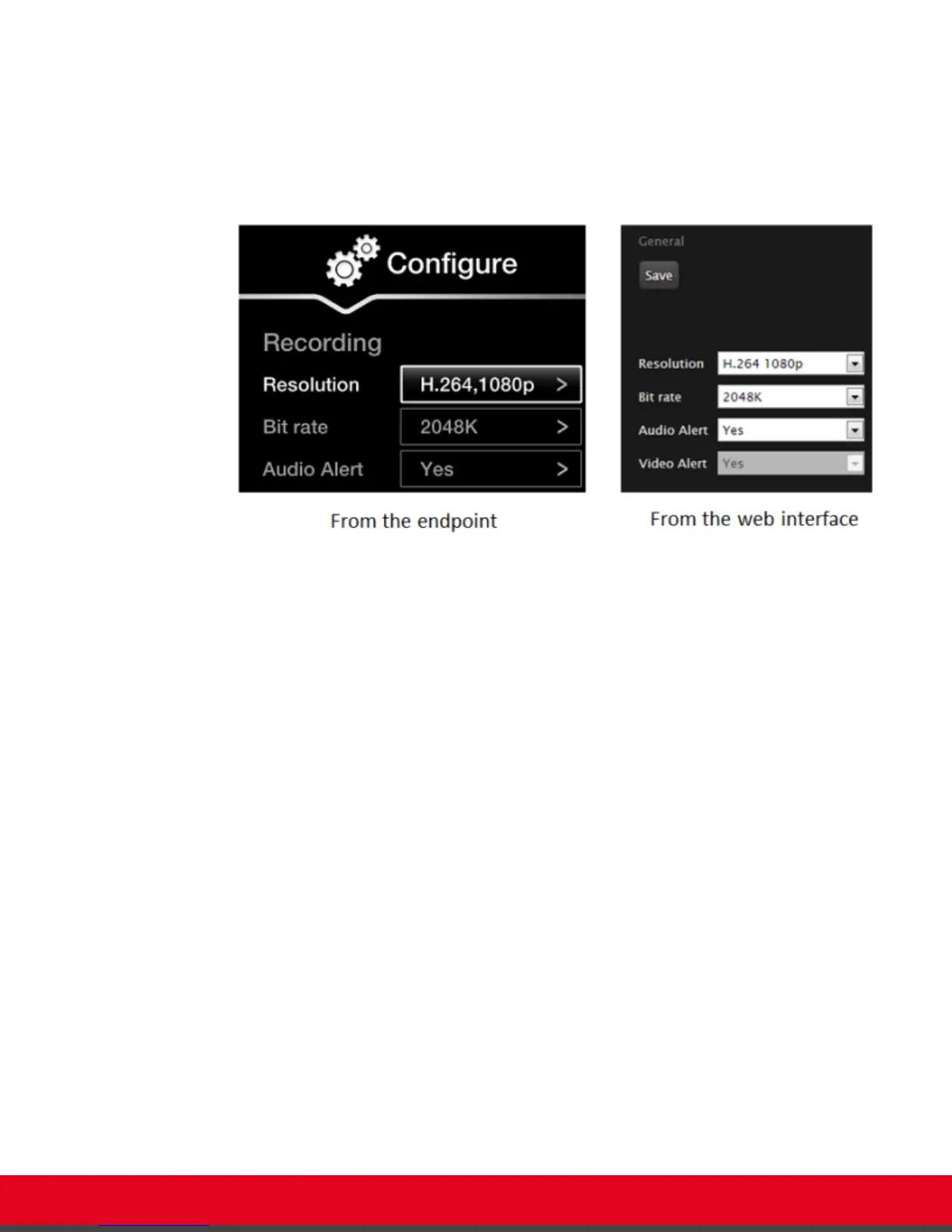
1. Access the recording settings:
•
From the XT Series web interface, select Basic Settings > Recording > General.
•
From the endpoint's main menu, select Configure > Recording.
Figure 30: Setting your recording preferences
2. Define the following recording settings:
User Guide for Scopia XT5000 Series Version 3.2 During Your Videoconference | 46



 To Next Page