Important:
Using encryption is subject to local regulation. In some countries it is restricted or limited for usage.
For more information, consult your local reseller.
From your endpoint, you can dial a number in the following ways:
•
Dialing a number using the XT Remote Control Unit
•
Dialing a contact in the phone book (to add a contact to the phone book, see
Adding and Modifying
Contacts in the Phone Book on page 33)
•
Dialing a number from the recent calls list
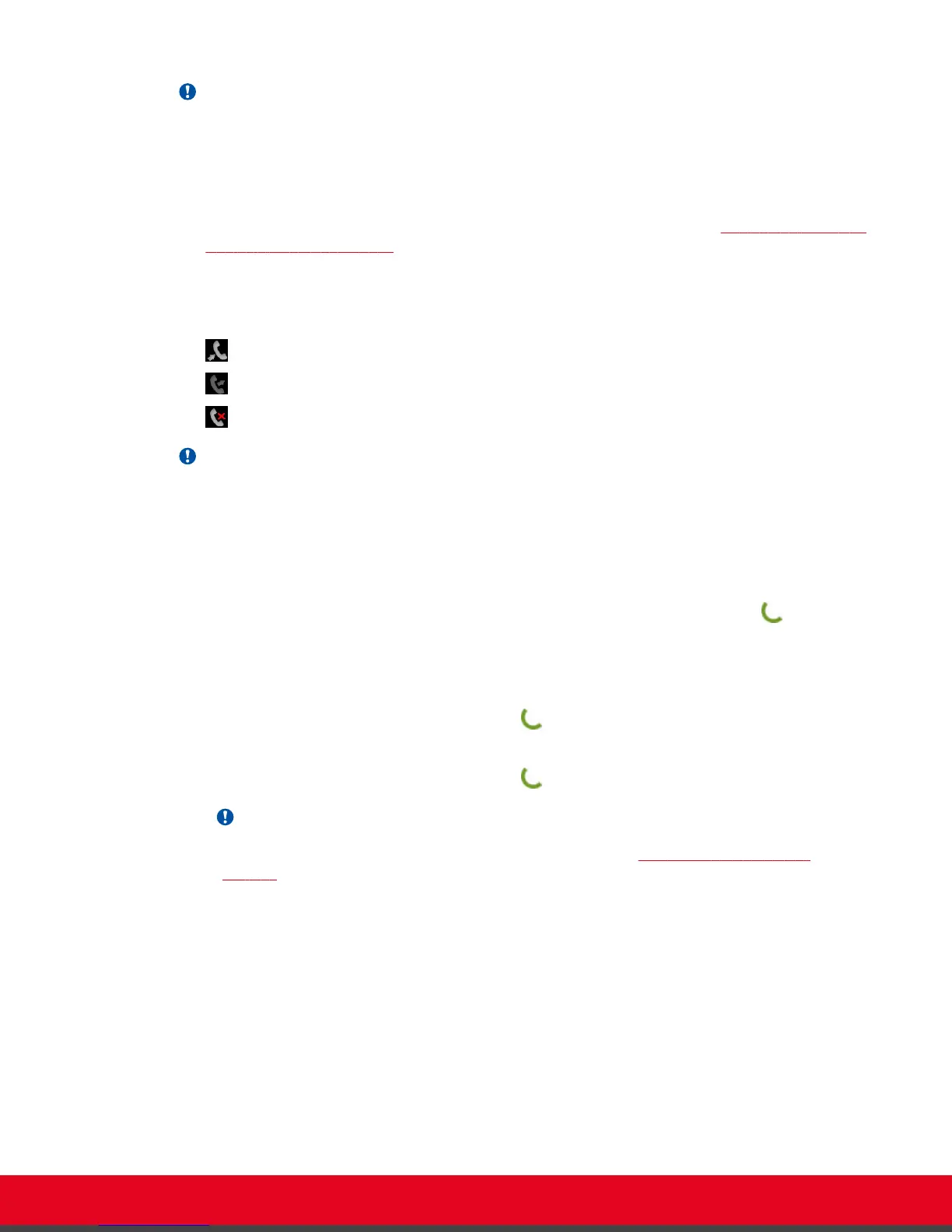
The system stores a list of recent calls, and displays these icons appear next to a contact number or
name:
•
— Received call
•
— Dialed call
•
— Missed call
Important:
Your organization may also have implemented a dial plan, which defines various dial prefixes to
determine the characteristics of a call. For example, you may be able to dial 8 before the
videoconference number for a lower bandwidth call, or 6 for an audio-only call. For more information
on the dial plan in your organization, contact your system administrator.
Select the number to call in one of the following ways:
•
Dial the number using the numeric keys on the XT Remote Control Unit, and press
, or select
Call and press ok/menu.
•
Dial a contact or recent call from the endpoint's main menu:
–
Dial a contact in the phone book by selecting Contacts, and enter the name of the contact.
Using the XT Remote Control Unit, press , or select Call and press ok/menu.
–
Dial a number from the list of recent calls by selecting Call.
Using the XT Remote Control Unit, press , or select Call and press ok/menu.
Important:
To modify advanced calling options, such as the call rate, see
Modifying the Default Call
Settings on page 41.
User Guide for Scopia XT5000 Series Version 3.2 Starting a Videoconference | 38



 To Next Page