OPERATION
2-3
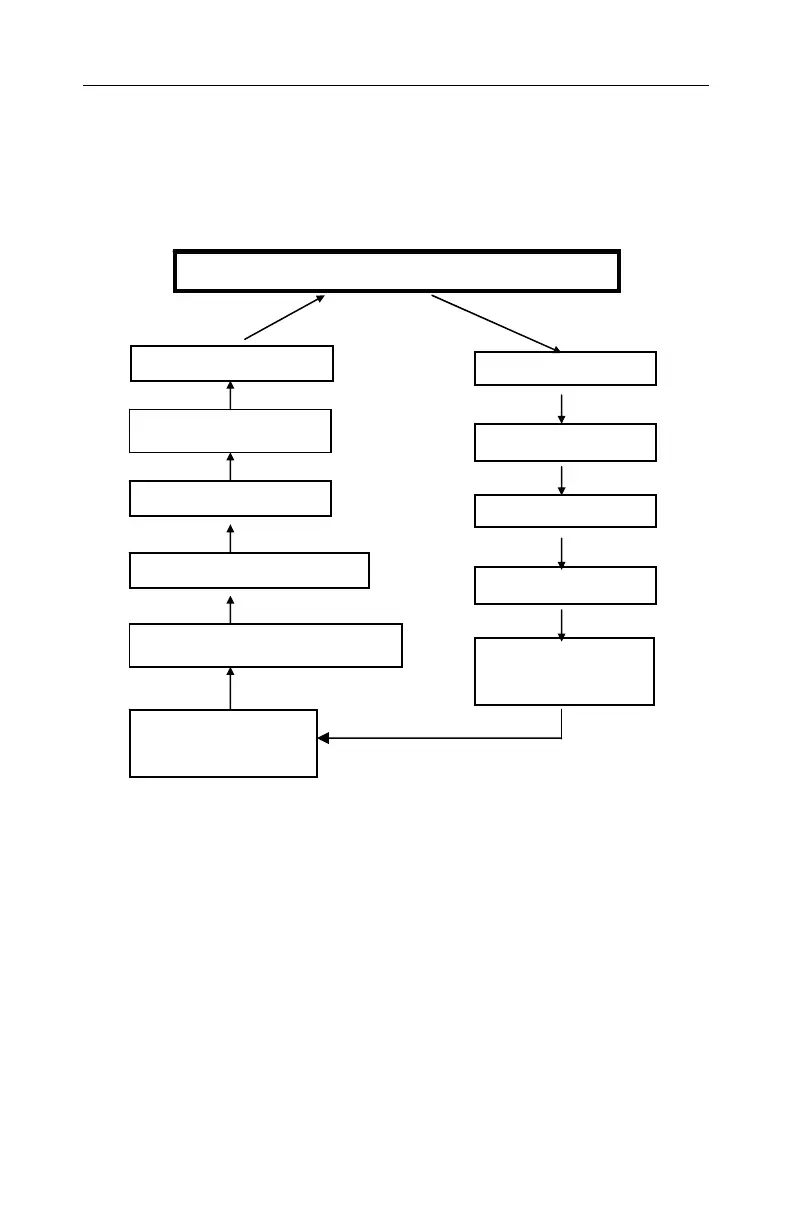
2. Advanced mode, shown schematically in Figure 4, displays
more information than the Basic mode and allows access to
more programming functions. The Programming Mode is
explained in detail in Chapter 4 of the long form manual.
* Datalog appears only when unit has datalogging option and is
programmed in manual datalog mode. LEL gas appears only when
LEL sensor is installed. ** Print Reading appears only if this option is
enabled through ProRAE Suite software.
Figure 4. Displays in Advanced Mode
To choose a specific display, press [MODE] one or more times
until the desired display appears. An “OK!” mark means the
unit is in Basic mode and no alarm condition exists. A small “
L
”
means the unit is logging data. Press [Y/+] to perform the
function of any question displayed.
Date Time
Run time Temp.
Min. Values
Comm with PC?
Peak Values
LEL Gas Name*
STEL Values
Start/Stop Datalog?*
Battery Voltage
Shut off Voltage
TWA Values
Print Reading?**
Sensor Names / Instantaneous Readings
[MODE]
[MODE]
[MODE]
[MODE]
[MODE]
[MODE]
[MODE]
[MODE]
[MODE]
Yes & No
[MODE]
Datalog Mode = XXX
[MODE]



 To Next Page