SET UP “MY HOME”
• NOTE: This is required to enable weather-based watering functions
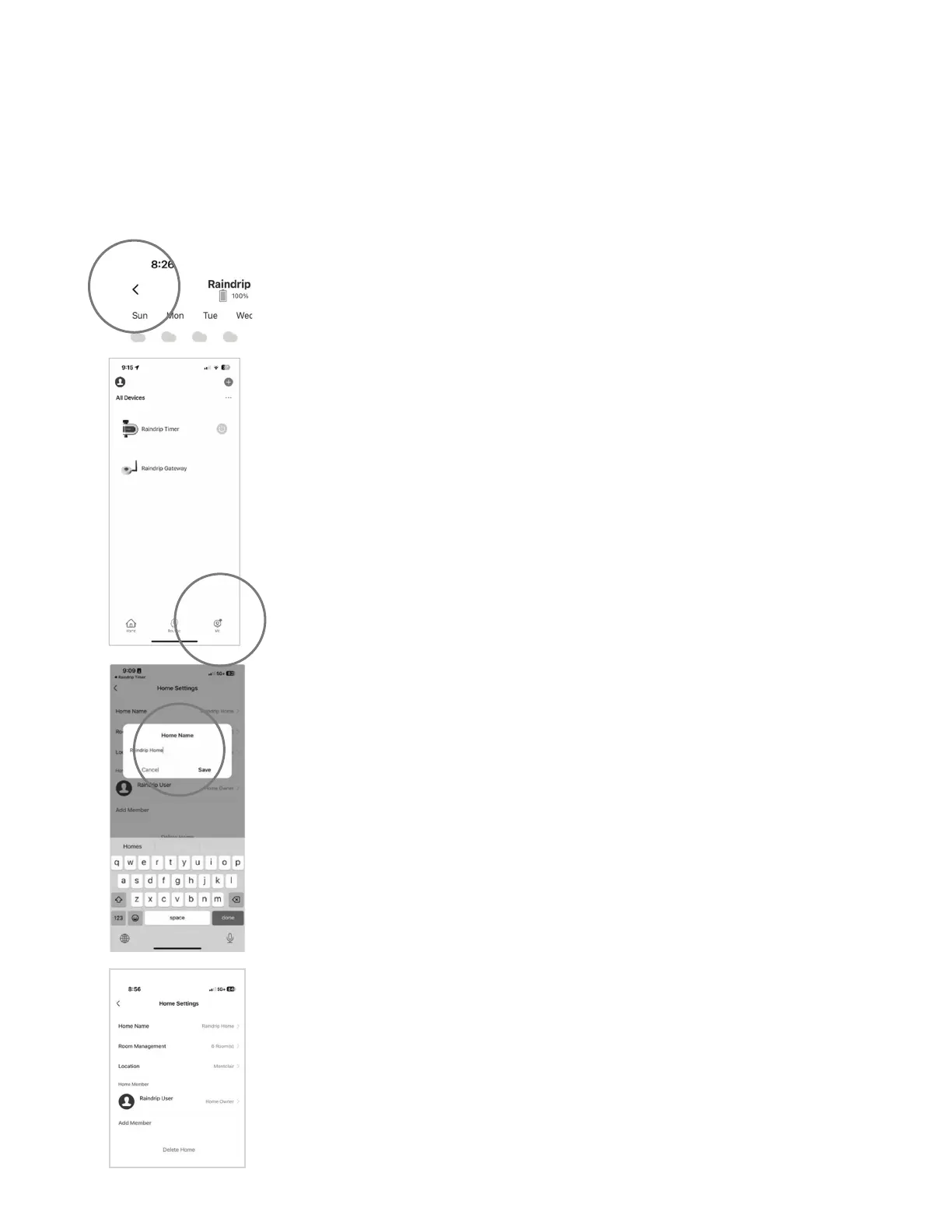
• Go back to the home screen by clicking the back arrow in the top left corner twice
• Set up “My Home” to get local weather data
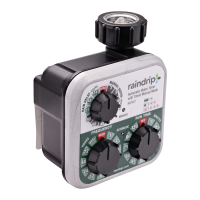
• From the home screen, click on “Me”
• Click on “Home Management”
• Tap “Location”
• Conrm that the pin is at the location
• of the timer or type the Address, City,
or Zip Code of where the timer will be located
• Click “Conrm”
9
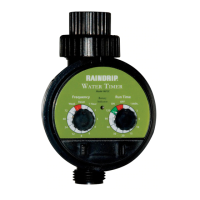
• Click on “My Home”
• Rename “My Home” if desired


 To Next Page