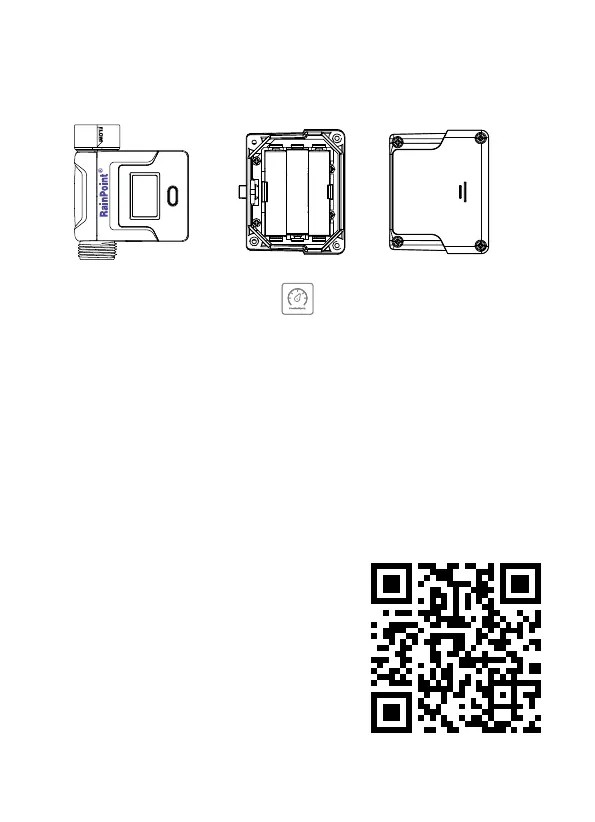
3.6 HCS008FRF Water Flow Meter
- 25 -
Tips:
If you need more detail information about
the operation, please scan the QR code or
search the link to access the video to check
the device quickly and easily.
Setup Video: http://bit.ly/3WMKuYF
1. Find"Flow Meter"or the icon to add the sensor.
2. Inse the batteries and the ow meter will get into the pairing mode
automatically. At the same time, select"NEXT"on the APP and sta
searching devices.
3. Keep the sensor and the hub close to each other to connect
automatically.
4. Besides that, you can also re-inse the batteries to reset and
reconnect if you fail to connect for the rst time.
5. After successfully connecting, the real-time water ow rate and
other information will show on the device home page.


 To Next Page