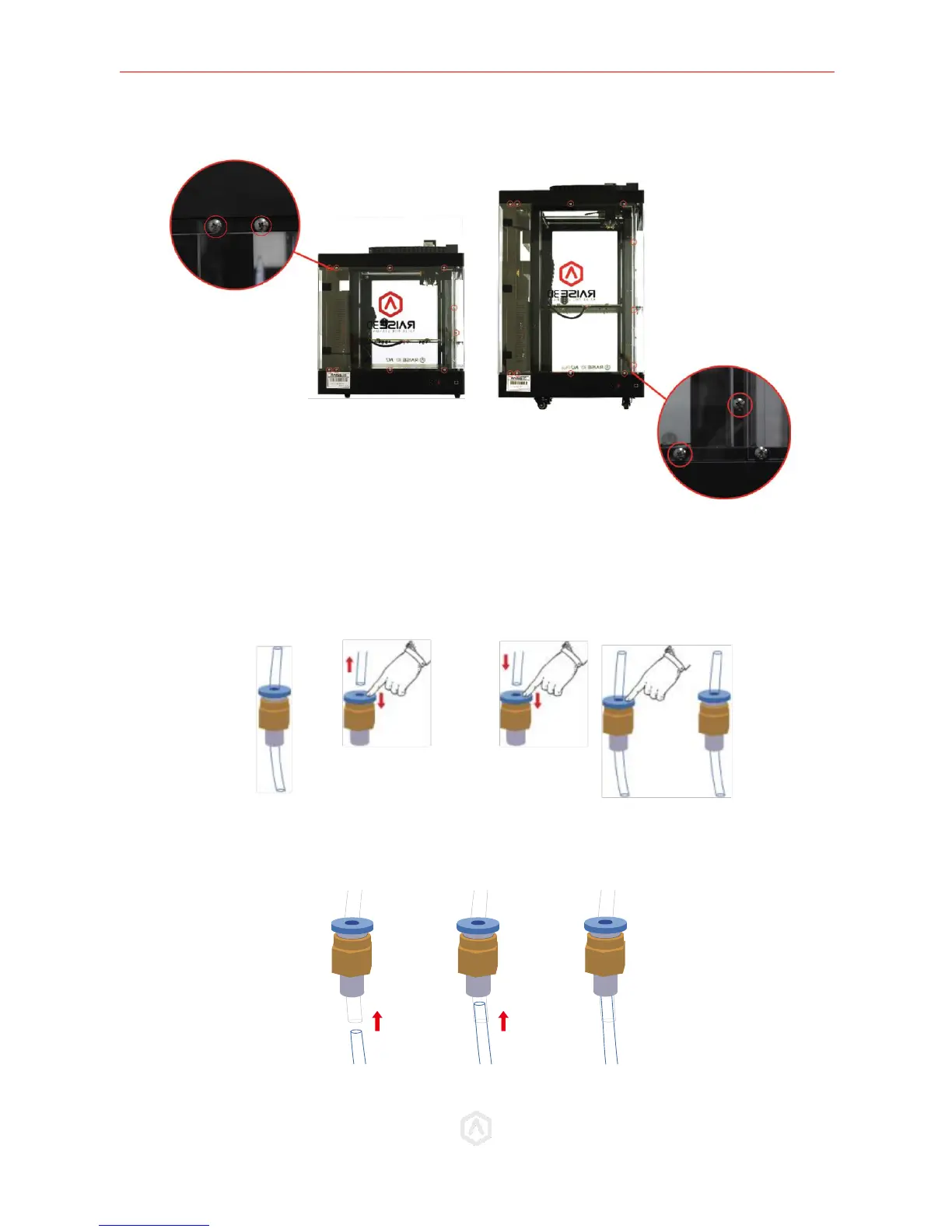
Set the panel and screws aside.
STEP 3: Replace the Bowden Tube
1) If the original Bowden Tubes on your printer are with 4mm-OD:
Remove the original Bowden tubes completely and replace them with the included Bowden tubes
from the Run-Out Kit (D). To release the tubes, press and hold the blue ring on the coupling.
2) If the original Bowden Tubes on your printer are with 6mm-OD:
Keep the origin tubes and directly insert the new 4mm–OD tubes to pass through.



 To Next Page