V3.0.0.0.3
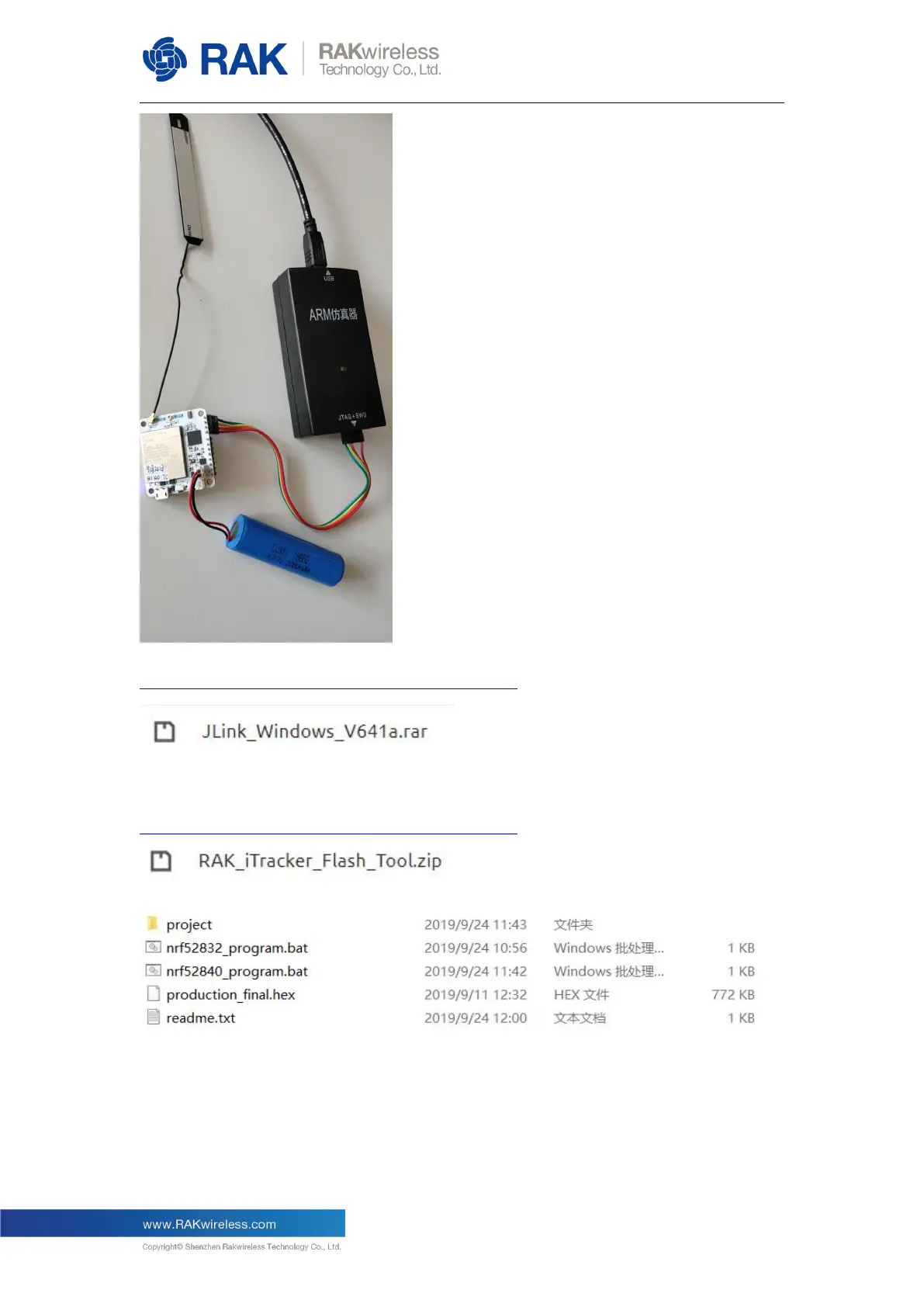
Secondly, please install J-Link tool on your PC. You can download it from RAK website:
https://downloads.rakwireless.com/en/Cellular/Tools/
Then download the “RAK itracker flash tool” from RAK website:
https://downloads.rakwireless.com/en/Cellular/Tools/
After uncompressing this .zip file, you will get a folder like this:
Now, copy the firmware of RAK5010 which you have just downloaded and uncompressed
to the above folder.
You should rename the firmware file to “production_final.hex”. Actually, I’ve written it in the
readme.txt file, maybe you can have a look at it firstly.
OK, let’s execute the script “nrf52840_program.bat” and you will see the following page:


 To Next Page