-
8 -
HARDWARE INSTALLATION
Verification
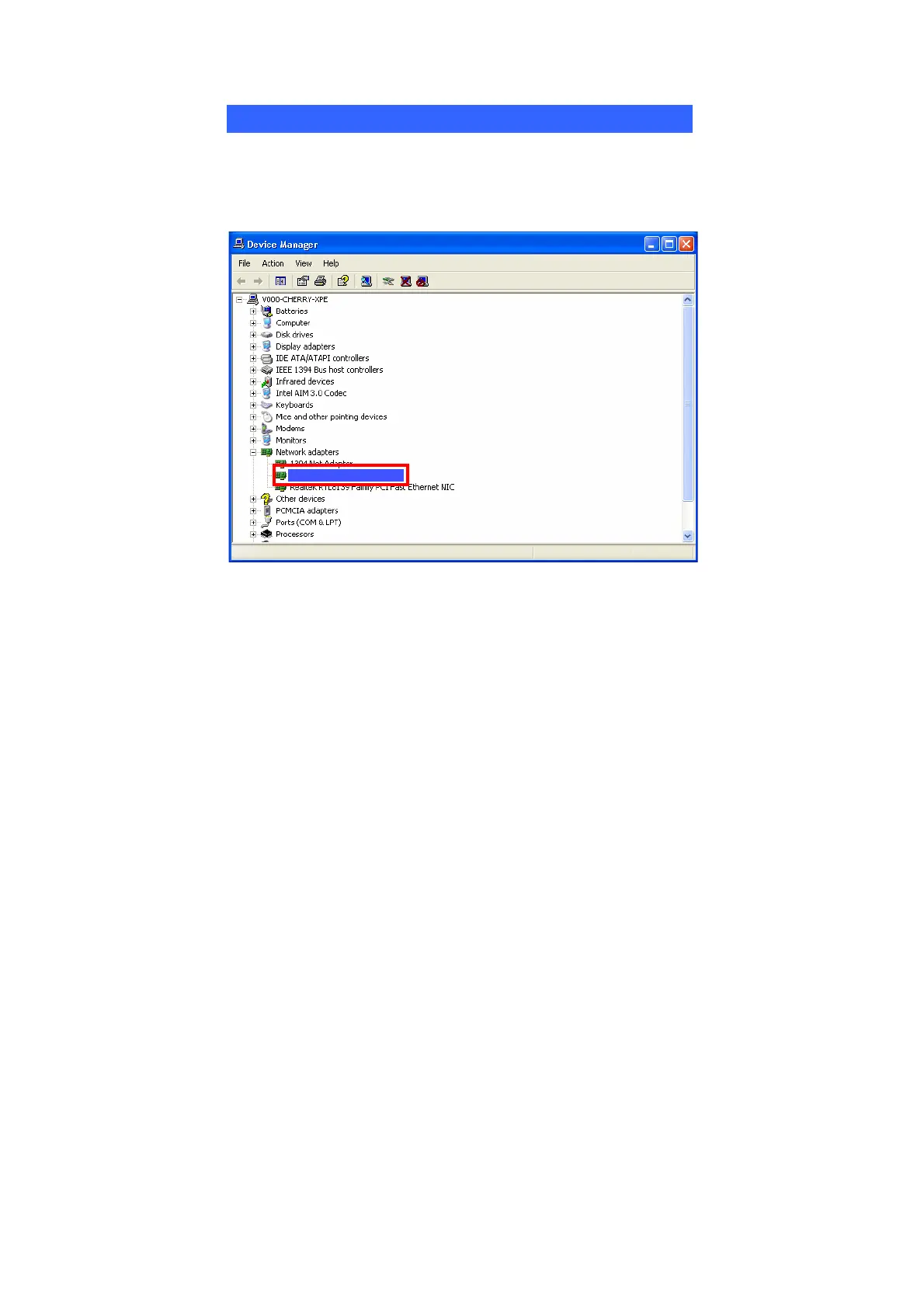
To verify if the device exists in your computer and is enabled, go to Start >
Control Panel > System (> Hardware) > Device Manager. Expand the
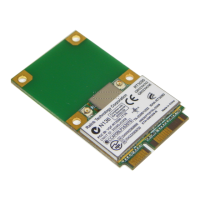
Network Adapters category. If the 11b/g/n 1T1R WLAN Half Mini Card
is listed here, it means that your device is properly installed and enabled.
11b/g/n 1T1R WLAN Mini Card
2T2R



 To Next Page