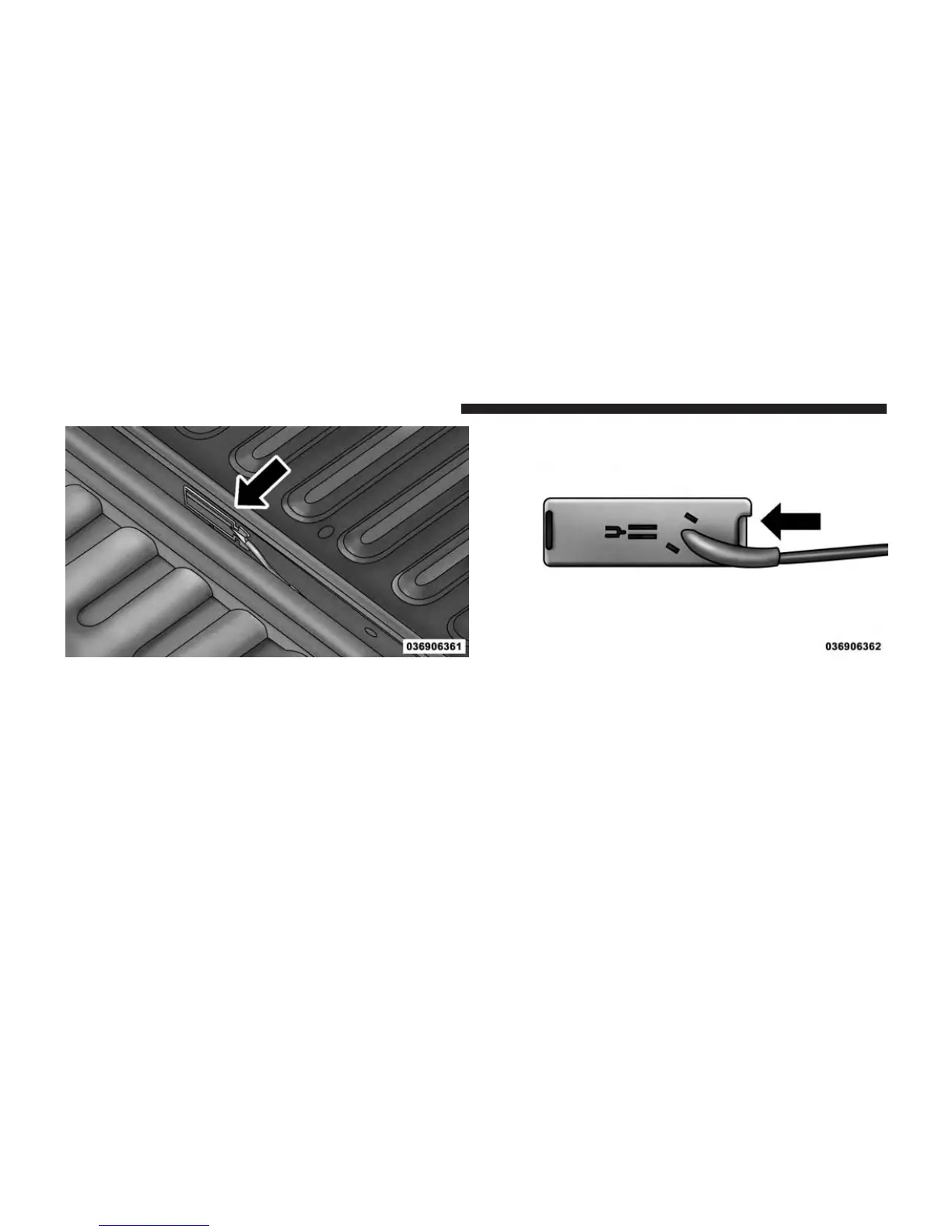
2. Remove the connector bracket from the sill by pushing
inward in the locking tab.
3. Disconnect the chassis wiring harness, ensuring the
connector bracket does not fall into the sill.
4. Connect the chassis plug and bracket (provided in the
glove box) to the chassis wiring harness and insert the
bracket back into the sill.
Connector Bracket Locking Tab
272 UNDERSTANDING THE FEATURES OF YOUR VEHICLE



 To Next Page