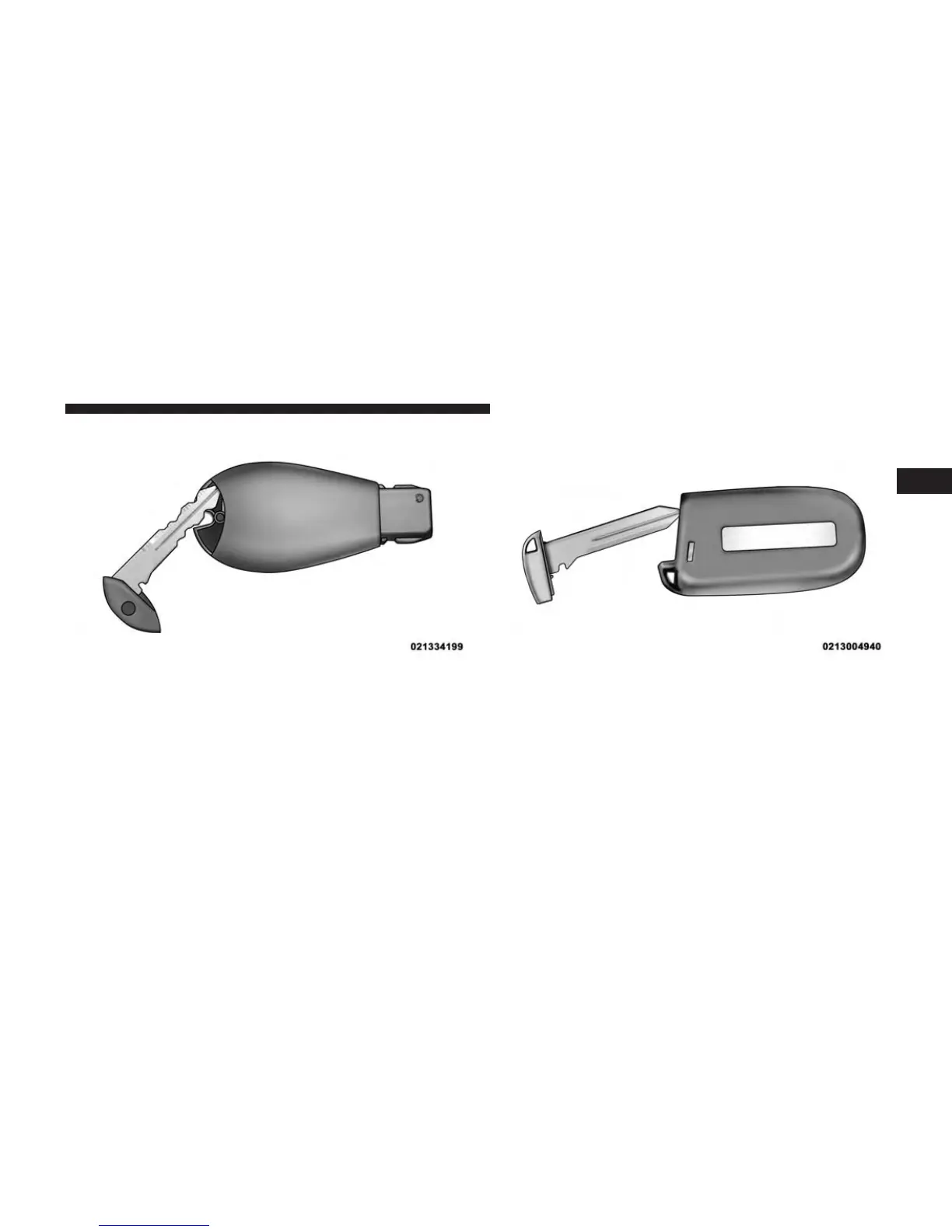
3. Remove the battery by turning the back cover over
(battery facing downward) and tapping it lightly on a
solid surface such as a table or similar, then replace the
battery. When replacing the battery, match the + sign
on the battery to the + sign on the inside of the battery
clip, located on the back cover. Avoid touching the
Separating Transmitter Case Separating Transmitter Case
2
THINGS TO KNOW BEFORE STARTING YOUR VEHICLE 33



 To Next Page