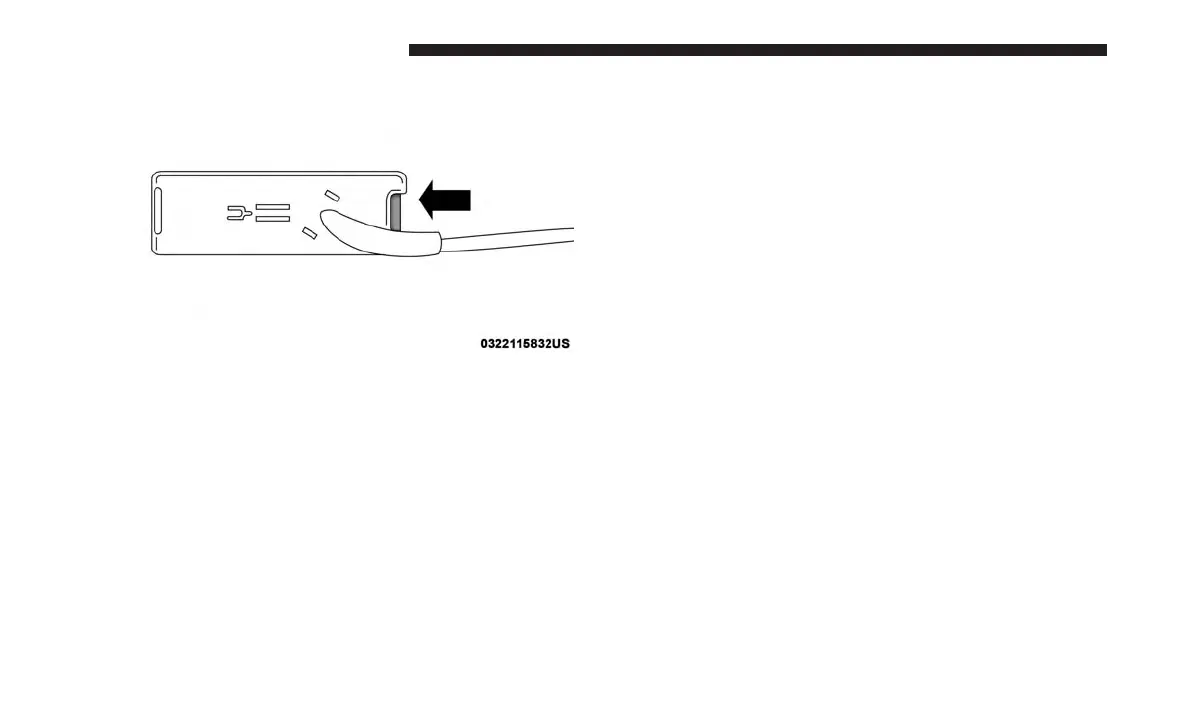
3. Disconnect the chassis wiring harness, ensuring the
connector bracket does not fall into the sill.
4. Connect the chassis plug and bracket (provided in the
glove compartment) to the chassis wiring harness and
insert the bracket back into the sill.
5. Connect the tailgate plug (provided in the glove com-
partment) to the tailgate wiring harness to ensure that
the terminals do not corrode.
6. Tape the tailgate harness and bracket against the
forward-facing surface of the tailgate. This will prevent
damaging the connector and bracket when storing or
reinstalling the tailgate.
Removing The Tailgate
1. Disconnect the wiring harness for the rear camera and
or power locks (if equipped), refer to “Disconnecting
The Rear Camera — If Equipped” in this section.
2. Unlatch the tailgate and remove the support cables by
releasing the lock tang from the pivot.
NOTE: Make sure tailgate is supported when removing
support cables.
Locking Tab
154 GETTING TO KNOW YOUR VEHICLE















 To Next Page