Voice
After pressing the “Voice” button on the touchscreen, the
following settings will be available:
Setting Name Selectable Options
Voice Response Length Brief Detailed
Show Command List Always With Help Never
Clock
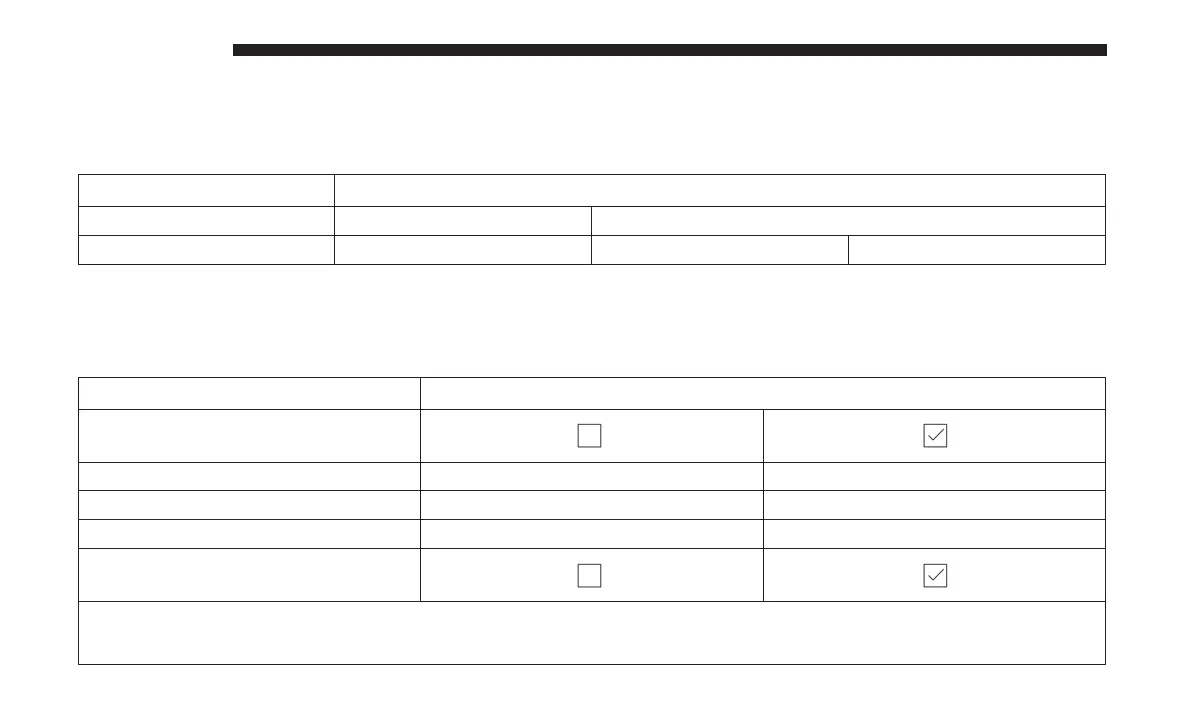
After pressing the “Clock” button on the touchscreen, the
following settings will be available:
Setting Name Selectable Options
Sync Time With GPS — If
Equipped
Set Time Hours +–
Set Time Minutes +–
Time Format 12hrs 24hrs
Show Time In Status Bar — If
Equipped
NOTE:
The “Show Time In Status Bar” feature will allow you to turn on or shut off the digital clock in the status bar.
636 MULTIMEDIA















 To Next Page