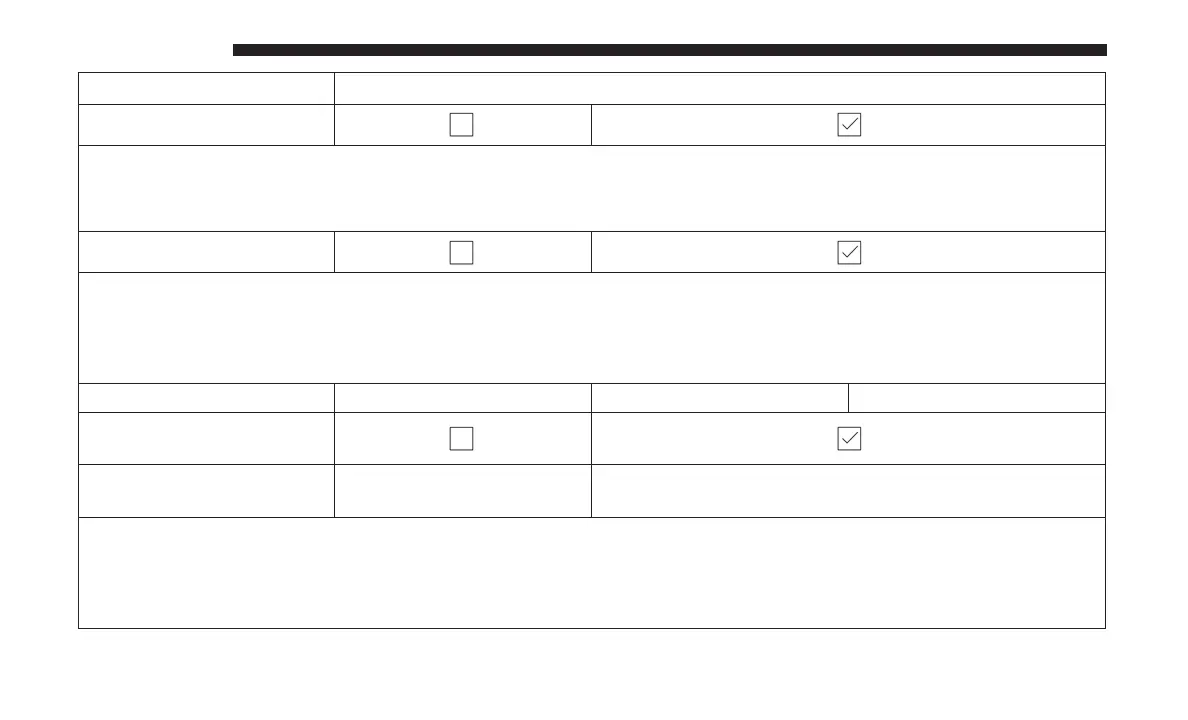
Setting Name Selectable Options
Auto Unlock On Exit
NOTE:
When the “Auto Unlock On Exit” feature is selected, all doors will unlock when the vehicle is stopped and the trans-
mission is in the PARK or NEUTRAL position and the driver’s door is opened.
Flash Lights With Lock
NOTE:
When the “Flash Lights With Lock” feature is selected, the front and rear turn signals will flash when the doors are
locked or unlocked with the key fob. This feature may be selected with or without the “Sound Horn With Lock” fea-
ture selected.
Sound Horn With Lock Off 1st Press 2nd Press
Sound Horn With Remote
Start
1st Press Of Key Fob Un-
locks
Driver Door All Doors
NOTE:
•
When “1st Press Of Key Fob Unlocks: Driver Door” is selected, only the driver’s door will unlock on the first press
of the key fob unlock button. You must push the key fob unlock button twice to unlock the passenger’s doors.
•
When “All Doors” is selected, all of the doors will unlock on the first push of the key fob unlock button.
642 MULTIMEDIA















 To Next Page