Icon Description
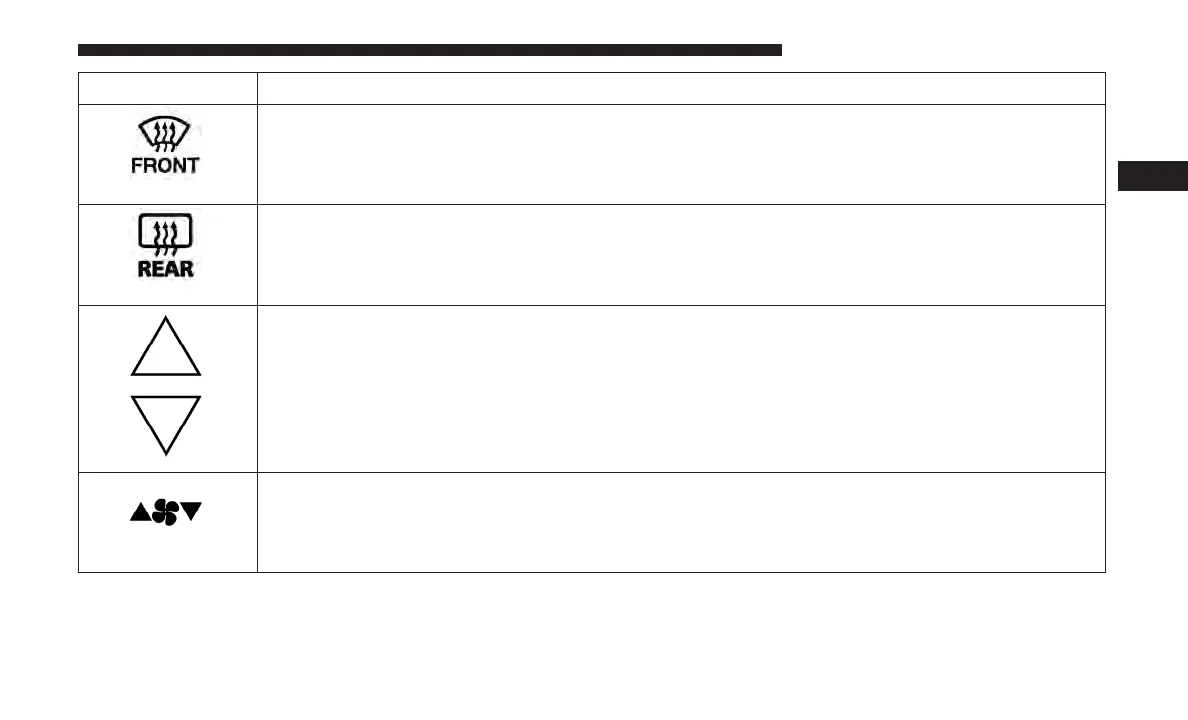
Front Defrost Setting
Push the button to activate Defrost mode. Air comes from the windshield and side window de-
mist outlets. Use Defrost mode with maximum temperature settings for best windshield and
side window defrosting and defogging.
Rear Defrost Button
Push and release the Rear Defrost Control button to turn on the rear window defroster and the
heated outside mirrors (if equipped). An indicator will illuminate when the rear window de-
froster is on. The rear window defroster automatically turns off after ten minutes.
Temperature Control
Press the arrows on the touchscreen or faceplate to regulate the temperature of the air inside the
passenger compartment. Pressing the down arrow indicates cooler temperatures, and pressing
the up arrow indicates warmer temperatures.
Blower Control
There are seven blower speeds. Press the buttons to regulate the amount of air forced through
the system in any mode you select. The blower speed increases as you move the control clock-
wise from the off position.
3
GETTING TO KNOW YOUR VEHICLE 93















 To Next Page