STAGE 1
SETPOINT
STAGE 2
SETPOINT
ON
=
ENERGIZED
OFF
=
DE-ENERGIZED
o
:;;
"T1
m
:D
m
Z
-<
ON ~
o
OfF
:;;
"T1
m
~ STAGE 2
~
:;;
r-
ON
(-)
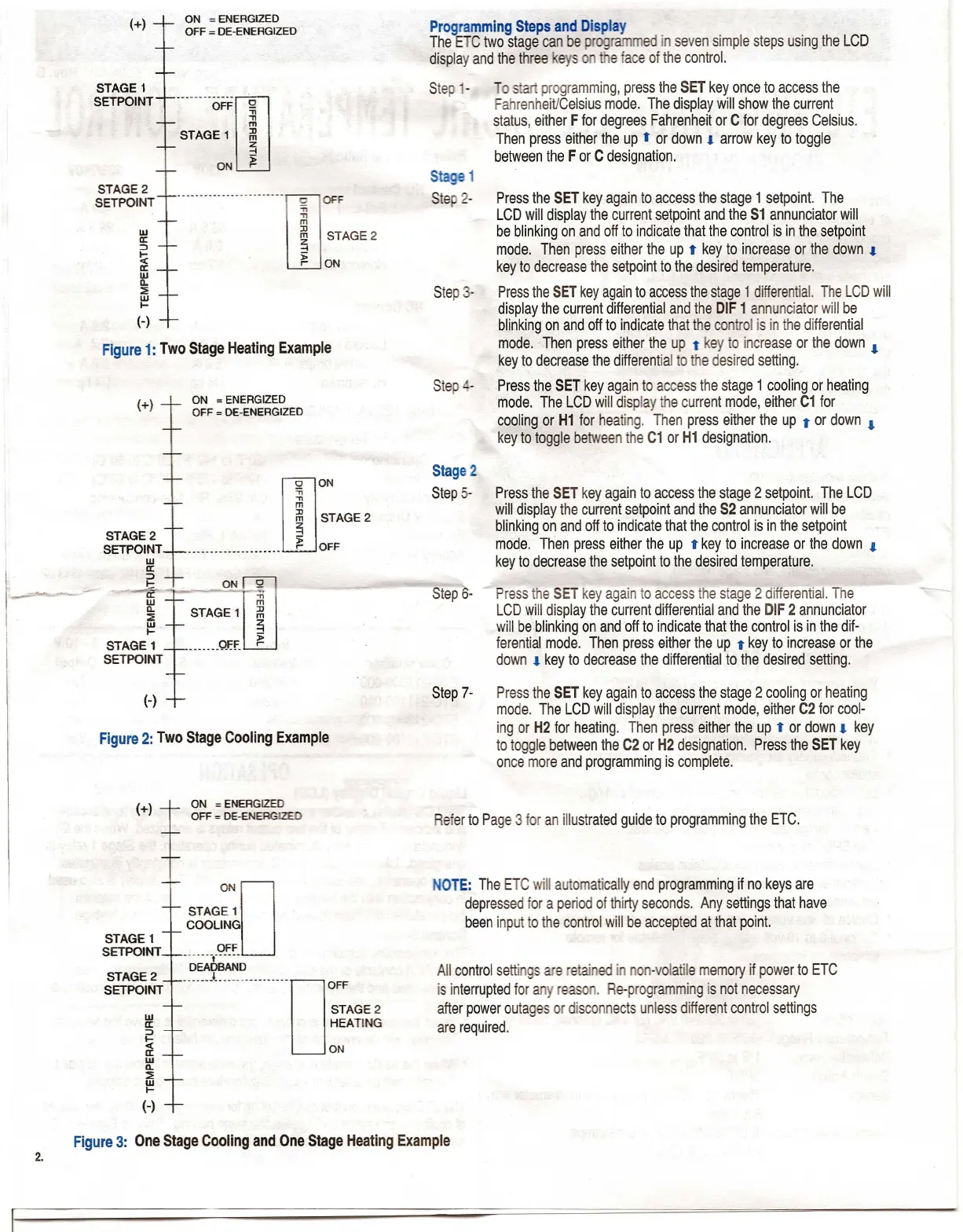
Figure 1: Two Stage Heating Example
STAGE 2
SETPOINT
w
a:
:>
t::
a:
w
Q.
:::<
~
STAGE 1
SETPOINT
ON
=
ENERGIZED
OFF
=
DE-ENERGIZED
o
ON
:;;
"T1
m
:D
m
~
~
STAGE 1
SETPOINT
STAGE 2
SETPOINT
ON
=
ENERGIZED
OFF
=
DE-ENERGIZED
Programming Steps and Display
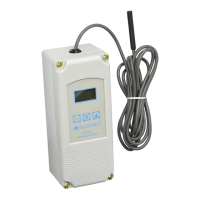
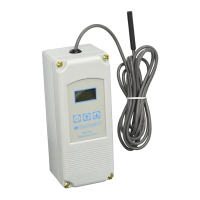
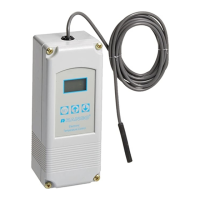
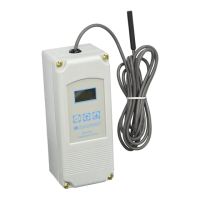
The ETC two stage can be programmed in seven simple steps using the LCD
display and the three eys e face of the control.
programming, press the SET key once to access the
Fahrenheit/Celsius mode. The display will show the current
status, either F for degrees Fahrenheit or C for degrees Celsius.
Then press either the up
t
or down. arrow key to toggle
between the For C designation.
Stage 1
Ste 2-
Press the SET key again to access the stage 1 setpoint. The
LCD will display the current setpoint and the S1 annunciator will
be blinking on and off to indicate that the control is in the setpoint
mode. Then press either the up
t
key to increase or the down •
key to decrease the setpoint to the desired temperature.
Press the SET key again to access the stage 1 differential. The LCD will
display the current differential and the DIF 1 annunciator will be
blinking on and off to indicate that the control is in the differential
mode. Then press either the up
t
key to increase or the down •
key to decrease the differential to the desired setting.
Press the SET key again to access the stage 1 cooling or heating
mode. The LCD will display the current mode, either C1 for
cooling or H1 for heating. Then press either the up
t
or down •
key to toggle between the C1 or H1 designation.
Stage 2
Step 5-
Press the SET key again to access the stage 2 set point. The LCD
will display the current setpoint and the S2 annunciator will be
blinking on and off to indicate that the control is in the setpoint
mod,e. Then press either the up
t
key to increase or the down •
key to decrease the setpoint to the desired temperature.
Press the SET key again to access the stage 2 differential. The
LCD will display the current differential and the DIF 2 annunciator
will be blinking on and off to indicate that the control is in the dif-
ferential mode. Then press either the up
t
key to increase or the
down • key to decrease the differential to the desired setting.
Step 7- Press the SET key again to access the stage 2 cooling or heating
mode. The LCD will display the current mode, either C2 for cool-
ing or H2 for heating. Then press either the up
t
or down. key
to toggle between the C2 or H2 designation. Press the SET key
once more and programming is complete.
NOTE: The ETC will automatically end programming if no keys are
depressed for a period of thirty seconds. Any settings that have
been input to the control will be accepted at that point.
All control settings are etained in non-volatile memory if power to ETC
is interrupted for any reason. Re-programming is not necessary
after power outages or disconnects unless different control settings
are required.


 To Next Page
 Loading...