Physiolaser olympic 500
Version 1.4 June 2007
33
Diagnostic mode
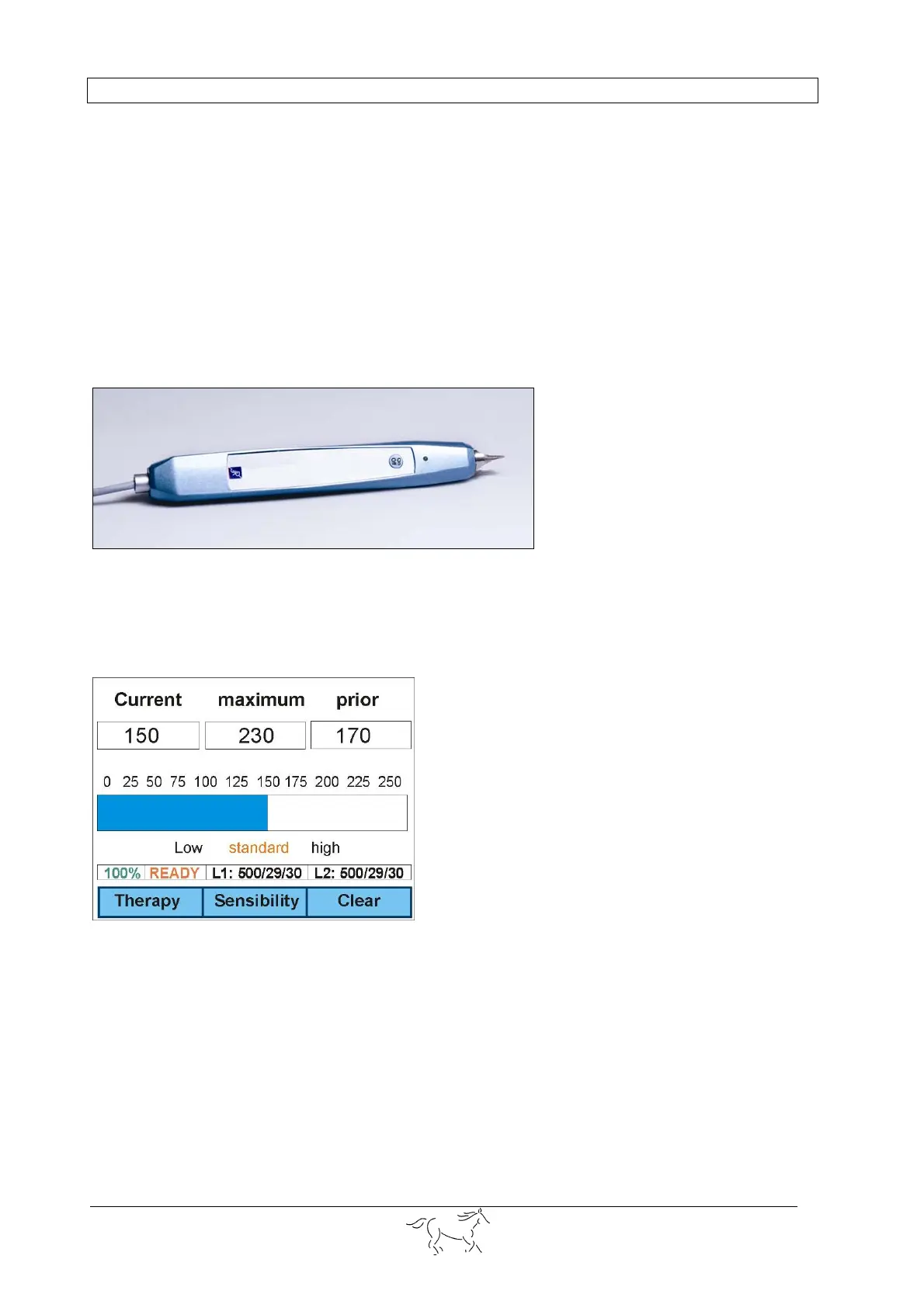
Insert the diagnosis probe/hand electrode into the socket on the front panel and press
ON/OFF on the hand probe to activate the diagnostic mode.
The diagnosis screen will appear.
With the buttons ´Sensibility´ you can select the sensitivity at 3 levels (Llow, standard,
high). Each step the sensitivity doubles the sensitivity (the level “high” offers 4 times as
much sensitivity as level L).
Pressing the button ´Clear´ will reset the memory (255 back to 0).
Pressing button ´Therapy´ will lead to Stand-by.


 To Next Page