Administrative Rights Requirements
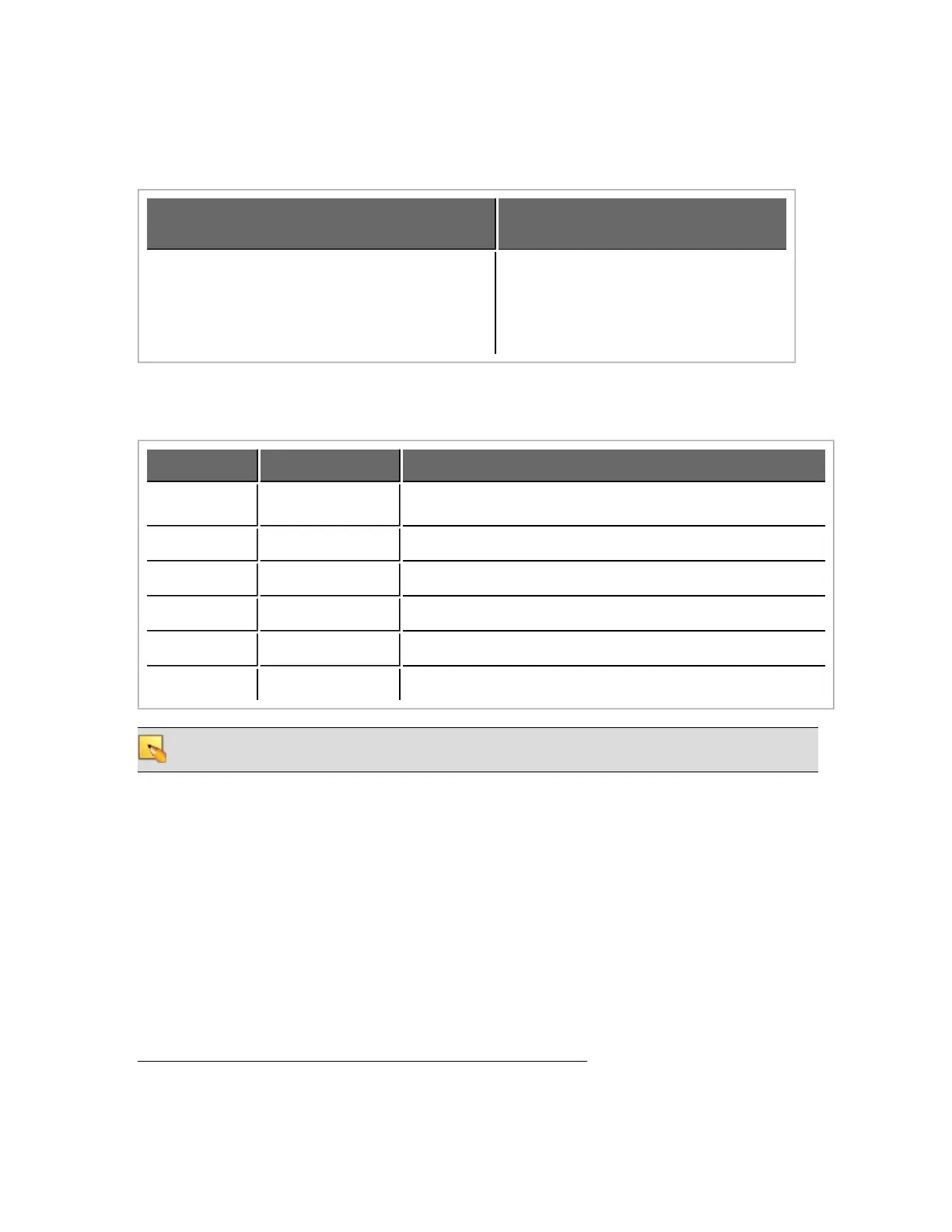
The following table outlines which Halogen tasks require administrative rights and which do not:
Requires administrative rights
Does not require administrative
rights
l
Installing Halogen
l
Installing software updates to Halogen
l
Manually starting or stopping the Ranelink
II service
l
Running and using Halogen
l
Updating the HAL firmware
Required Ports
Halogen and HAL exchange information using the following ports and protocols:
Port Protocol Purpose
68 UDP DHCP Client (see note below)
4992 TCP Meter control messages
4993 TCP Configuration messages
4994 UDP Discovery broadcast messages
4994 TCP RaneLink II
1
communication messages
4995 TCP Meter data
NOTE: Halogen and HAL might both use port 68 to communicate with a DHCP server. This port is
not actually used for communication between Halogen and HAL.
HAL devices send occasional UDP broadcast messages. RaneLink II listens constantly for these messages
and, when it receives one, it does three things, if necessary:
l
Sets up a temporary link-local IP address (in other words, the address is cleared when the com-
puter reboots) on the appropriate network interface card (NIC).
l
Adds an entry to the computer's network route table. RaneLink II maintains the list of HAL
devices and it must be running for Halogen to communicate with a HAL, even if the HAL has
been located by a manual search.
l
Opens and maintains a TCP connection with HAL so that it can receive status updates.
1
A service needed by Halogen to establish a connection with HAL.
CHAPTER 1: Getting Started
7


 To Next Page