14
Sampler
In Sampler Mode, the pads will control the sampler in the software. The pads each trigger a sample at a
specified volume (you can assign the sample and its volume in the software).
To enter Sampler Mode, press Sample so that it lights purple.
To assign a sample, first highlight the desired sample in your library. Then hold Shift and press a pad
corresponding to an empty sampler slot. The sampler slot volume can be adjusted in Serato.
To play a sample, press a lit pad. The pad will flash as the sample plays.
To stop playback of a sample, press Shift and a Pad while it plays.
To cycle through the sample banks, press the Parameter / buttons.
To cycle through the Sampler outputs, press Shift and the Parameter / buttons.
Serato Sample
If you are using the Serato Sample plug-in with a supported DAW, you can use Seventy to control the plug-
in. Seventy’s 16 Performance Pads will correspond to the 16 pads in the plug-in, allowing you to use
Seventy’s pads to create and trigger cues.
To enter Serato Sample Mode, press Sample so that it lights white.
Transport
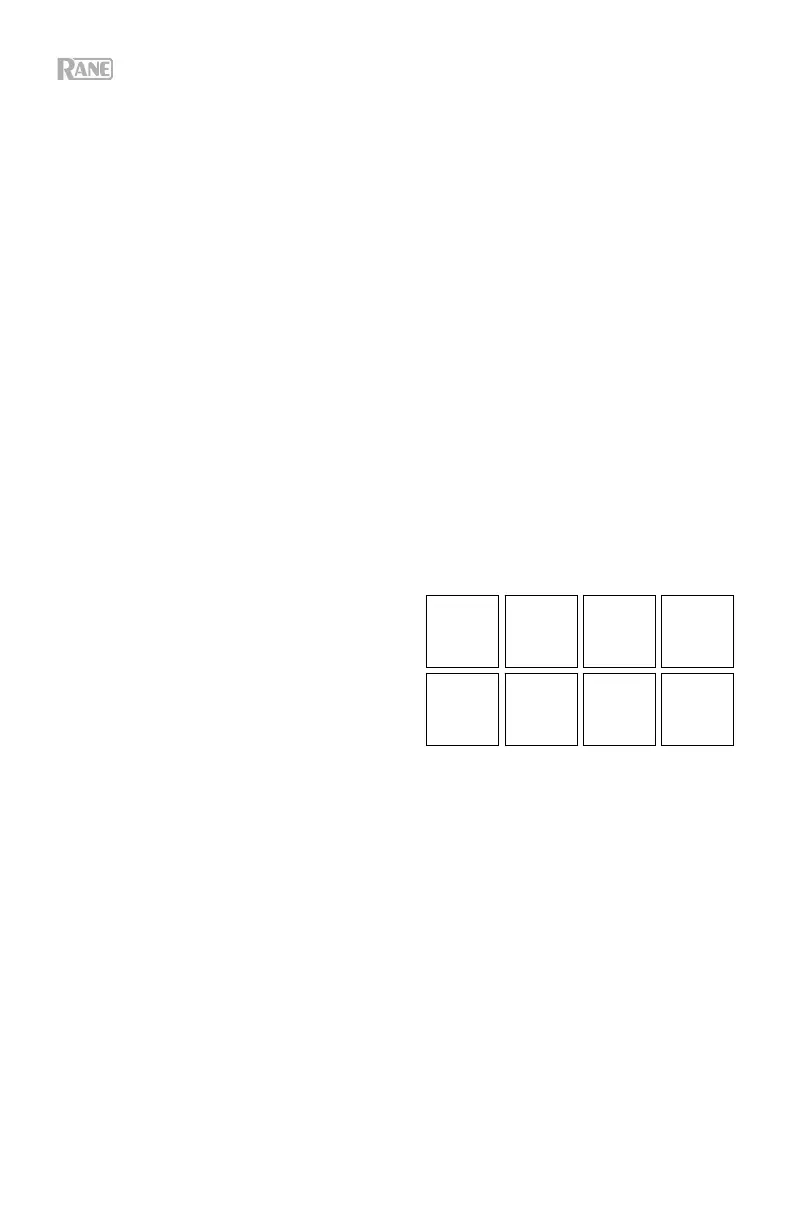
In Transport Control Mode, the pads correspond to
different transport controls. The software will
automatically enter Internal Mode when you do this (if
you are using a Twelve controller with Seventy, the
software will always be in Internal Mode).
To enter Transport Mode, press Transport so that it
lights green.
To bend the pitch downward temporarily, press
Pad 1.
To bend the pitch upward temporarily, press Pad 2.
To move the pitch fader down, press Pad 3.
To move the pitch fader up, press Pad 4.
To enable or disable Keylock, press Pad 5.
To switch between Internal Mode (INT) and Relative Mode (REL), press Shift and Pad 5. (Switching to
Relative Mode will allow you to resume control of playback with control vinyl or control CDs.)
To activate Sync, press Pad 6. Press Shift and Pad 6 to deactivate sync.
To skip to the cue point, press Pad 7.
To play or pause the track, press Pad 8.
Pitch
Bend
-
Pitch
Bend
+
Pitch
Fader
-
Pitch
Fader
+
Keylock
INT/REL
Sync Cue
1
2
3 4
5
6
7
8


 To Next Page
 Loading...







