17
Control Panel
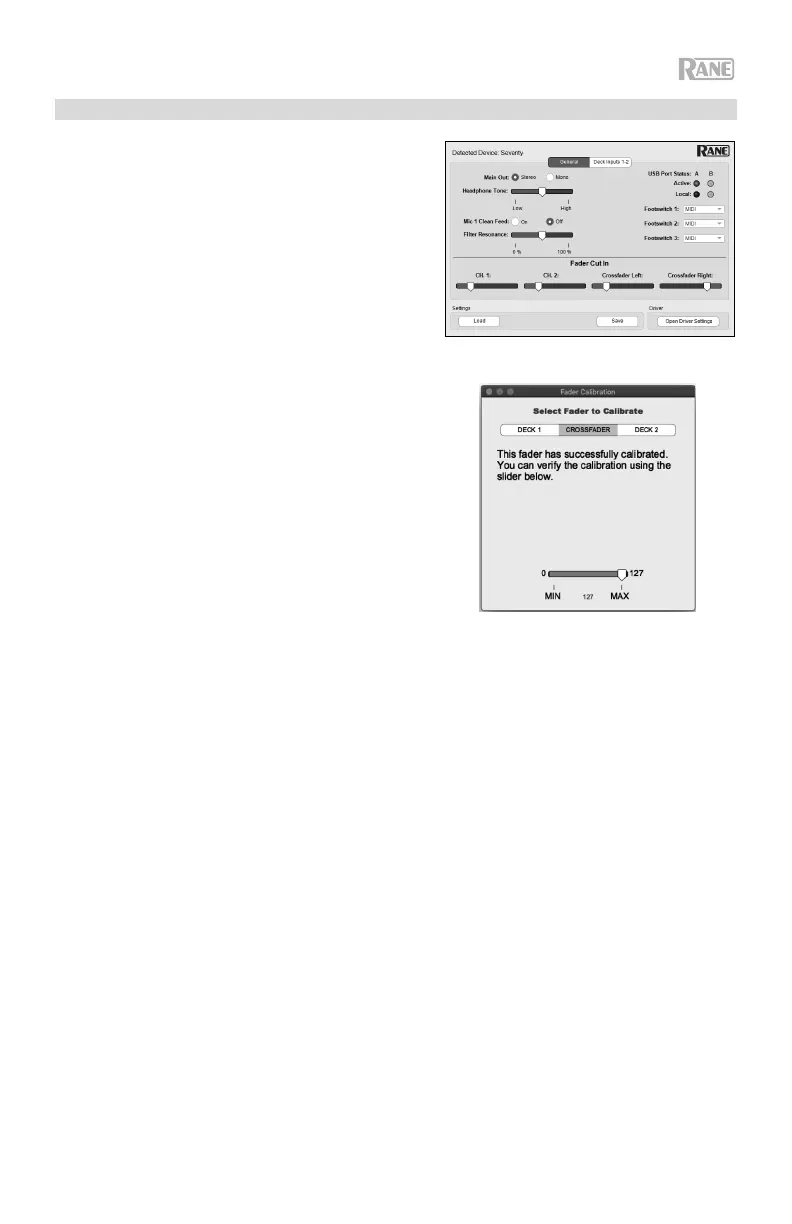
The Rane Control Panel allows you to adjust settings on
your Seventy mixer and save and load these settings to a
file (.r72) on your computer. Using settings files lets you
maintain several different control configurations to use in
different situations.
To manage settings files, navigate to the Settings
section of the Rane Control Panel, under the General tab.
• Load: Select this to locate and load a Seventy
settings file (.r72) on your computer to the Control
Panel.
• Save: Select this to save the mixer's settings to your
computer as a Seventy settings file (.r72).
You can also use the Rane Control Panel to calibrate the
faders on your Seventy:
1. Make sure your Seventy is powered on and connected
to an available port on your computer using a USB
cable.
2. Open the Rane Control Panel.
3. Go to File > Fader Calibration.
4. Follow the instructions on screen to select the desired
fader and calibrate it. You will be prompted once the
calibration is successful.



 To Next Page