9
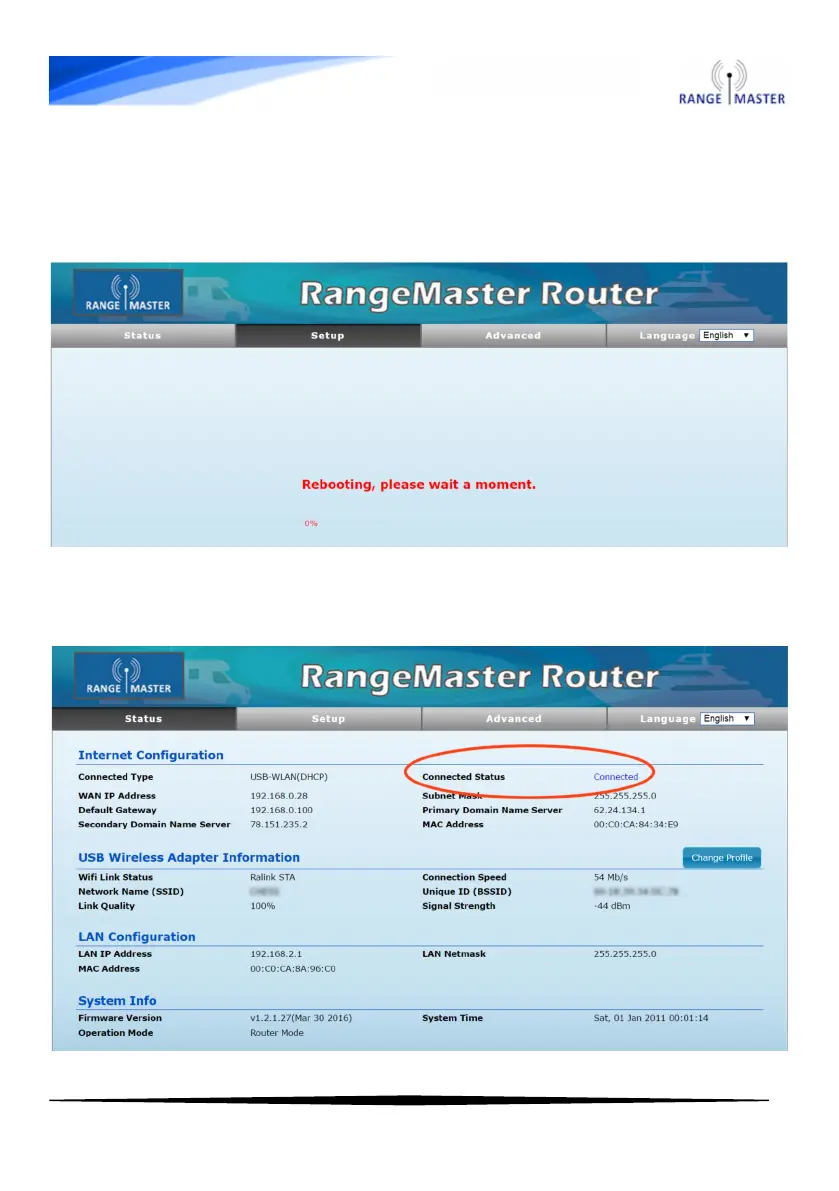
10. Now the router will restart and connect to the chosen WiFi
network. If it sticks on the rebooting page check that your device is
still connected to the RANGEMASTER network, if not then reconnect
and enter 192.168.2.1 in your browser again.
11. On the status screen you should now see the “Connected Status”
shows Connected:



 To Next Page