8
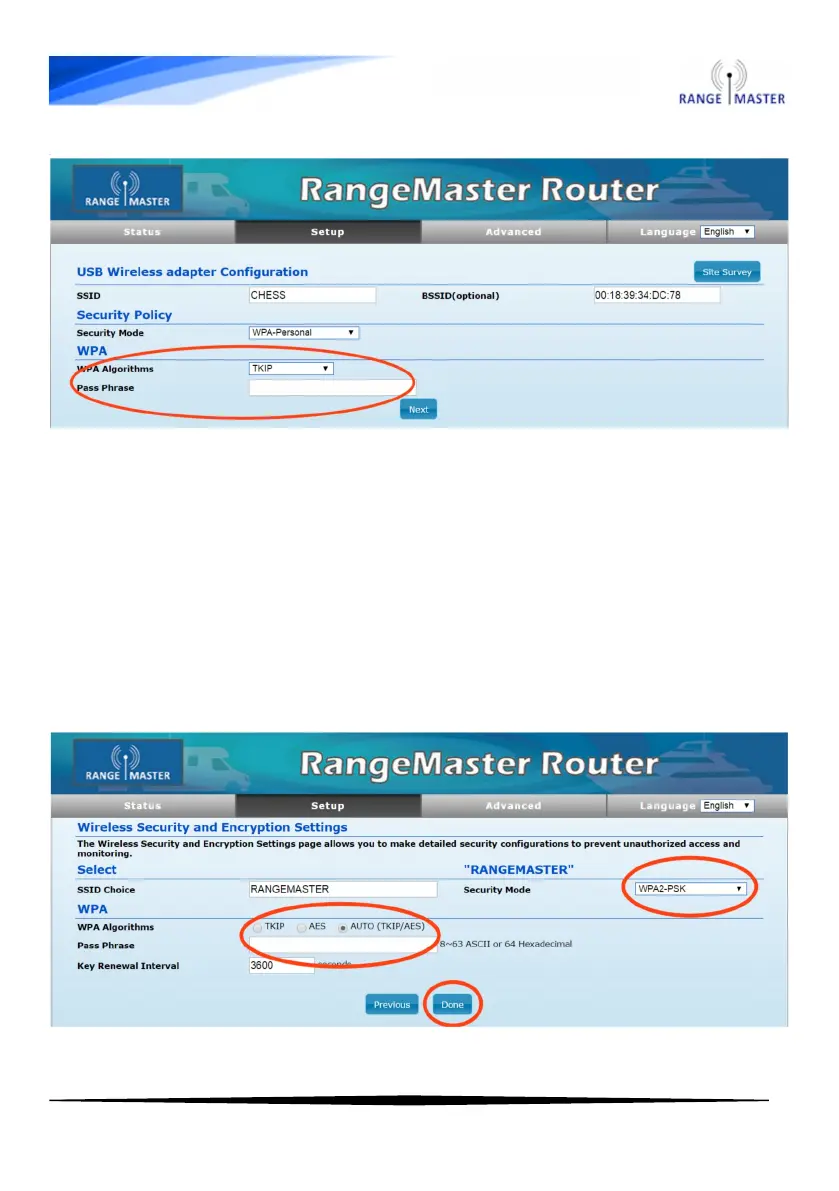
9. On the next page you can add security to your router to prevent
anyone else from using your connection (if you don’t want to do this
just click the blue “Next” button).
To add security change Security Mode to WPA2-PSK, select AUTO for
WPA-Algorithm and enter the password you want to use to connect to
the router in the Pass Phrase box. Click “Done” when you are
finished.



 To Next Page